Visa and Mastercard Payment Retry Rules: What Subscription Businesses Need to Know (June 2026)
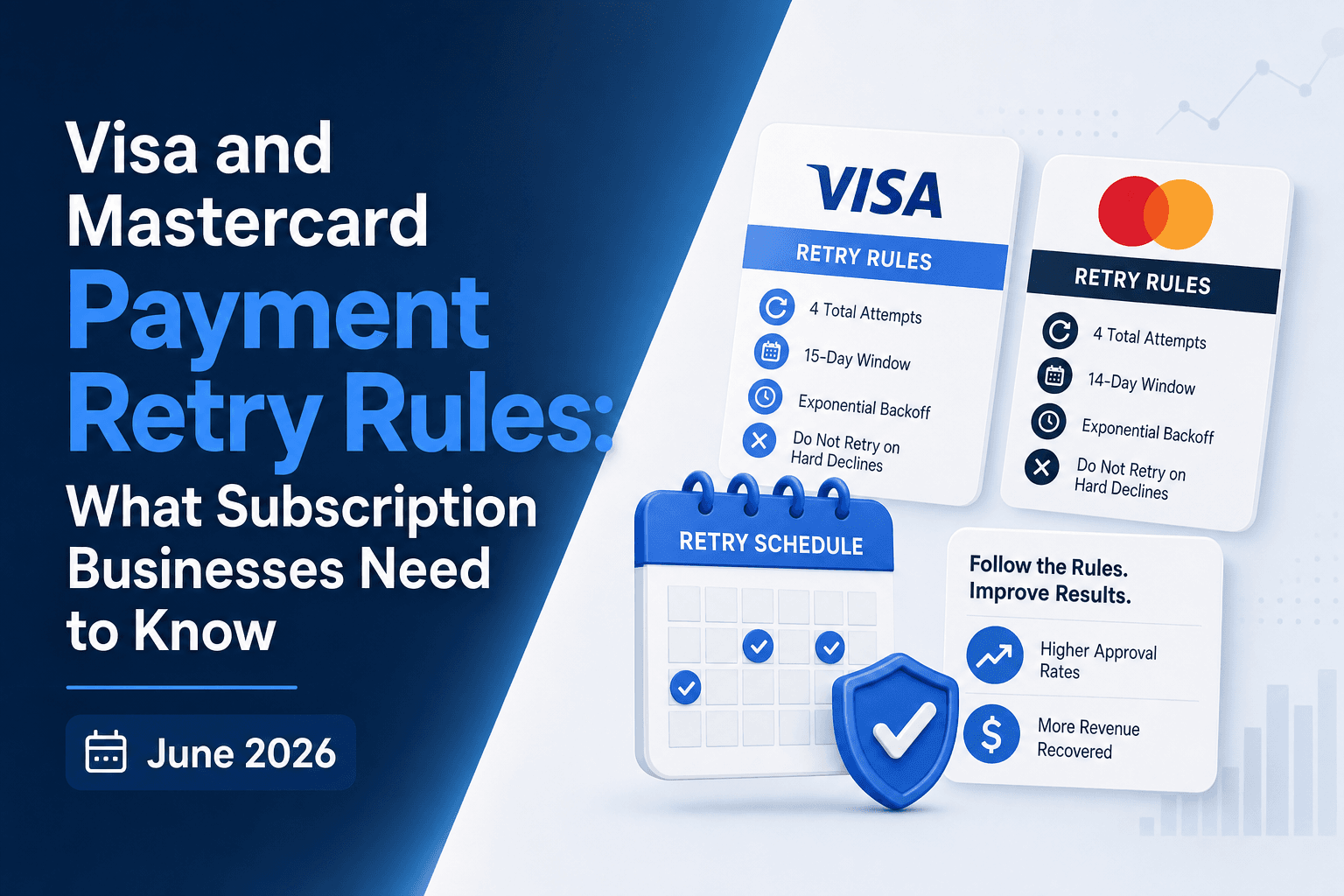
Every subscription business deals with failed payments. The question is whether your retry strategy follows Visa and Mastercard payment retry rules or accidentally violates them. Both networks limit you to 15 retry attempts per card per 30-day window, flag specific decline codes as do-not-retry, and charge escalating penalty fees when you cross their thresholds. A soft decline from insufficient funds is retry-eligible under the rules. A hard decline from a stolen card is not, and retrying it anyway burns an attempt you can't get back while risking fines that scale with your transaction volume. Getting the distinction right protects your margin on every dollar you recover.
TLDR:
- Visa and Mastercard cap retries at 15 attempts per card per 30-day window. Exceed that limit and you face penalties starting at $5,000 per month, escalating to $50,000 to $100,000 at high volume.
- Read Merchant Advice Codes before retrying. A MAC 03 or MAC 21 do not retry signal means stop immediately or you burn attempts and trigger $0.10 to $2.00 per-transaction fines.
- Retry soft declines (insufficient funds, temporary issuer blocks) on payday cycles: US Monday/Tuesday mornings, Europe 1st/15th, Australia Thursday/Friday. Stop on hard declines (stolen card, closed account) after one attempt.
- AI-powered retry systems analyze decline codes, issuer behavior, card type, and subscriber history to schedule retries when approval rates peak, not when your billing cycle says to.
- Compliant retry strategies protect margin on every recovered dollar by staying within network limits while recovering more failed payments than fixed-schedule logic.
Understanding Merchant Advice Codes and Decline Categories
When a payment fails, the network returns more than a simple "no." It returns a decline code and, increasingly, a Merchant Advice Code (MAC) that tells you exactly what happened and what to do next. Getting this distinction right is the foundation of any compliant retry strategy.

Soft Declines vs. Hard Declines
Not all declines are equal, and treating them the same way will either leave revenue on the table or trigger network violations.
- Soft declines are temporary rejections, things like insufficient funds, a busy issuer system, or a generic "try again later" response. These are candidates for retry, within the rules.
- Hard declines signal a permanent problem: a closed account, a reported stolen card, or an explicit "do not retry" instruction from the issuer. Retrying these wastes attempts and risks violations.
Merchant Advice Codes: The Retry Rulebook in Practice
MACs are Mastercard's way of giving merchants actionable guidance at the transaction level. Visa does not publish a comparable MAC set. Only Mastercard defines these issuer-level codes, and knowing what each one instructs is the foundation of compliant retry decisions on Mastercard transactions.
Ignoring a "do not retry" MAC and resubmitting anyway is one of the fastest paths to excessive retry violations and the fines that follow.
Visa Decline Category Codes and Retry Eligibility
Visa groups decline responses into categories that directly determine whether a retry is permitted, and knowing these categories is the foundation of any compliant retry strategy.
There are four core eligibility categories a subscription business needs to understand:
- Retries are prohibited when Visa returns a "Do Not Honor" or similar issuer-blocked response. Retrying in this window wastes attempts and triggers excessive retry fees under Visa's rules.
- Soft declines, such as insufficient funds or temporary issuer unavailability, are generally retry-eligible, but only within defined timing and attempt limits set by Visa's Transaction Processing Rules.
- Hard declines tied to card validity issues (invalid account number, card reported lost or stolen) are not retry-eligible without customer action. Retrying against a known-stolen card burns goodwill and authorization capacity.
- Certain responses require updated credentials before any retry is attempted. If a customer's card has been reissued, the retry must use the new account information, not the original stored credential.
Getting the category wrong in either direction creates real cost. Retry too aggressively on blocked codes and you accumulate fee exposure. Fail to retry eligible soft declines promptly and you leave recoverable revenue on the table.
Mapping your decline codes to the correct eligibility category before building any retry logic is the first step a payments-aware team should take.
Card Network Penalty Fees for Excessive Retries
Both Visa and Mastercard charge penalty fees when merchants exceed retry attempt thresholds. These fees are not hypothetical risks buried in the fine print; they show up directly on your processing statements and scale with volume.
How Penalty Fees Are Structured
Visa's Merchant Monitoring Program flags merchants who exceed a 15% decline rate or surpass 1,000 monthly decline transactions. Once flagged, merchants can face fines ranging from $5,000 to $75,000 per month until they fall back into compliance.
Mastercard applies a similar structure through its Excessive Attempts program. Merchants exceeding the retry thresholds face fees of $1.00 per excessive retry transaction in the first month, escalating to $2.00 in subsequent months if the pattern continues.
The business impact compounds quickly at scale:
- A high-volume subscription business retrying 50,000 declined transactions per month beyond Mastercard's threshold could face $50,000 to $100,000 in monthly penalty fees alone.
- Visa's monitoring program can also trigger a formal review, putting your merchant account status at risk beyond the financial penalties.
- Fees accrue regardless of whether the retried transaction eventually succeeds, meaning you pay the penalty even on recovered revenue.
Staying within retry limits goes beyond compliance. It directly protects your margin on every dollar you recover.
The 15-Attempt Limit and Retry Window Rules
Both Visa and Mastercard cap the number of times you can retry a declined transaction within a rolling 30-day window. Visa allows up to 15 attempts per card per merchant, while Mastercard enforces the same 15-attempt ceiling. Exceed that threshold and you risk fines, MID (Merchant ID) suspension, or being flagged as a high-churn merchant by the issuer.
The retry window itself matters just as much as the count. Networks expect you to space retries intelligently, not blast through your 15 attempts in 48 hours. Issuers track retry velocity, and concentrated bursts signal poor payment hygiene, increasing the likelihood your subsequent attempts are auto-declined regardless of the customer's actual account status.
How the Limits Break Down
Rule | Visa | Mastercard |
|---|---|---|
Max retries per 30 days | 15 | 15 |
Hard decline retries | 1 attempt only | 1 attempt only |
Spacing requirement | Spread across 30-day window | Spread across 30-day window |
Violation penalty | Fines + MID review | Fines + MID review |
For subscription businesses running large billing cycles, burning through retries too quickly can leave you with no compliant path to recover a payment before the billing period resets, turning a recoverable soft decline into lost MRR.
Hard Declines vs. Soft Declines: Which Payments to Retry
Before retrying any failed payment, your team needs to know whether it can legally and practically be retried at all. Both Visa and Mastercard draw a hard line between two categories of declines, and the rules for each are fundamentally different.
Soft Declines: Retry-Eligible with Conditions
Soft declines are temporary failures. The card is valid, but something situational blocked the transaction: insufficient funds, a bank timeout, a velocity limit, or a generic do-not-honor response. These are retry-eligible, but both networks cap how many attempts you can make and how often.
- Insufficient funds declines are among the most recoverable failures in subscription billing. Timing your retry around a subscriber's likely pay date can meaningfully lift recovery without burning through your attempt allowance.
- Generic soft declines (like "do-not-honor") carry more ambiguity. Retrying too aggressively on these can trigger fraud flags at the issuer level, reducing your approval odds on subsequent attempts.
Hard Declines: Stop Immediately
Hard declines signal a permanent problem with the payment method itself: a stolen card, a closed account, or an invalid card number. Retrying these wastes attempts, risks network penalties, and does nothing for recovery. The correct response is to route the subscriber into a dunning flow that prompts them to update their payment details.
Getting this distinction right is the foundation of compliant retry behavior. Every attempt you spend on a hard decline is an attempt you cannot use on a recoverable soft decline.
Optimal Retry Timing by Decline Reason
Decline reason shapes retry timing as much as the rules themselves. A soft decline from insufficient funds on a Friday afternoon behaves very differently from an expired card flagged mid-cycle.
Here is how to align retry timing with smart dunning and the underlying decline cause:
- Insufficient funds declines respond best to retries timed around income deposits. In the US, target Monday or Tuesday mornings to catch weekend direct deposits. In Western Europe, aim for the 1st and 15th of each month when salary cycles peak. In Russia, retry around the 10th and 25th of each month when bi-monthly salary payments typically clear. In Australia, retry Thursday or Friday mornings when weekly wages typically clear.
- Expired card declines should not be retried immediately. Route these to card updater services first, then retry within 24 hours once updated credentials are confirmed.
- Do not retry hard declines such as stolen card or do not honor for any card-related reason at all. These require customer action and belong in a dunning sequence, not an automated retry queue.
- Temporary issuer outages or technical declines warrant a short retry window of two to four hours, since the block is infrastructure-related and typically resolves quickly.
Misreading the decline reason and applying a generic retry schedule wastes retry attempts, accelerates card blocking, and burns the customer relationship. Matching timing to root cause is where rule-compliant retries actually recover revenue.
How AI-Powered Retry Intelligence Works for Subscription Businesses
When a payment fails, the retry decision is rarely as simple as "try again tomorrow." Factors like the decline code, card type, issuer behavior, time of day, and subscriber history all affect whether a retry will succeed or trigger a permanent block.

AI-powered retry systems process these variables simultaneously to schedule each retry at its highest-probability window. The result is a retry schedule built for each individual transaction, not a blanket rule applied across your entire subscriber base.
What intelligent retries actually do differently
Instead of firing retries on a fixed schedule, AI models analyze each declined transaction against a wide set of signals:
- Decline code classification (soft versus hard) tells the system whether retrying makes any sense at all before any timing decision is made.
- Issuer-level patterns reveal when a specific bank's authorization rates tend to peak, so retries land at higher-probability windows.
- Card type and BIN-level data inform whether the card is prepaid, debit, or credit, each of which behaves differently under retry conditions.
- Subscriber payment history adds context: a long-tenured subscriber with one anomalous decline is a very different risk profile than a recently added card with repeated failures.
For subscription businesses, this precision matters because card network retry rules cap how many attempts you can make. Every wasted retry on a low-probability window is an attempt you cannot use later when conditions improve.
Final Thoughts on Compliant Payment Recovery Under Network Limits
Card network retry limits force a choice: recover revenue intelligently within the rules, or burn through attempts and trigger penalties. Visa and Mastercard built these thresholds to protect the payments ecosystem, and businesses that respect the structure recover more without risking their MID status. Reading decline codes correctly, spacing retries appropriately, and stopping on hard declines protects margin on every recovered dollar, not theater. If you want to see what rule-compliant recovery looks like on your own data, reach out and we'll show you the difference.
FAQ
Can I retry a payment that Mastercard flagged with a "do not retry" code?
You shouldn't, because Mastercard charges a $0.10 penalty for every retry attempt when you ignore their "do not retry" Merchant Advice Code. That penalty applies per transaction, regardless of whether the retry eventually succeeds, and the fees accumulate directly on your processing statement.
Visa decline code categories vs. Mastercard advice codes: what's the difference?
Visa groups declines into four eligibility categories (prohibited, soft decline, hard decline, credentials-required) that determine whether you can retry at all, while Mastercard's advice codes tell you the specific action to take (retry after 24 hours, update credentials first, never retry). Both systems aim to prevent excessive retry violations, but Visa's structure focuses on category-level eligibility while Mastercard provides transaction-specific retry instructions.
What happens if I exceed the 15-attempt limit on a single card?
Both networks flag your merchant account for excessive retry behavior, triggering penalty fees that start at $1.00 per excessive retry transaction under Mastercard's program and escalate to $2.00 in subsequent months. Visa's Merchant Monitoring Program can also initiate a formal review of your merchant account status beyond the financial penalties, and at high volume, a single month of violations can generate $50,000 to $100,000 in fees.
How do I know if a "do not honor" decline is actually retryable?
You need to check the accompanying Merchant Advice Code alongside the decline reason. A "do not honor" response paired with Mastercard MAC 22 means retry permitted, while the same decline paired with MAC 03 or MAC 21 means stop immediately. The gateway decline code alone doesn't tell you the full story.
Should I space out my 15 retry attempts evenly across 30 days?
No, because decline reasons require different timing strategies. Insufficient funds declines recover best when timed around payday cycles (Monday mornings in the US, 1st and 15th in Western Europe), while temporary issuer outages warrant a short two-to-four-hour window. Spacing retries evenly wastes high-probability recovery windows and burns attempts during low-probability periods when the underlying failure cause hasn't resolved.
Related Articles

Decline Recovery Layers: Retries, Dunning & More (Sep 2026)
Most declined charges don't require a customer email. They need a well-timed retry, or a card number refresh before the attempt even fires. Dunning is the...

Expired Cards as a Churn Vector: The Plastic Aging Problem (Sep 2026)
A surprising share of lost subscribers didn't cancel. Their card aged out, the charge failed hard, and your billing system had no path forward. Separating...

Retry Velocity Limits: Issuer Caps Explained September 2026
When a retry velocity limit gets tripped, the damage shows up in two places: the per-attempt fees on transactions that were never going to convert, and the...
Stop losing revenue to failed payments
Join leading subscription businesses using Slicker to recover failed payments automatically.
Get Started