Visa Response Code Retry Rules Explained (August 2026)
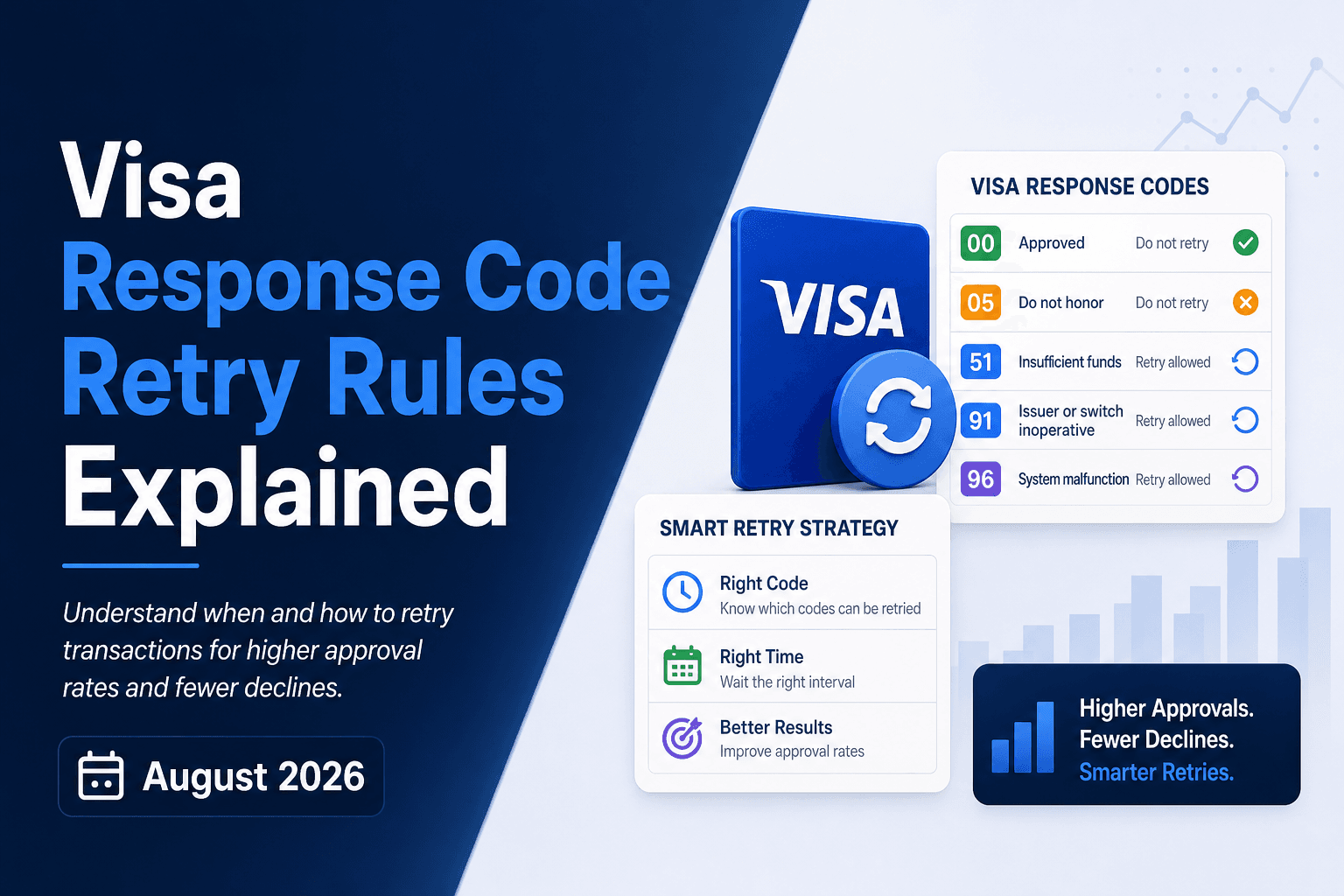
A decline code lands in your system and your retry logic makes a call: try again or route to dunning. That call, made thousands of times a month across your subscriber base, is either recovering revenue or compounding it into involuntary churn (revenue lost to payment failures, not subscriber choice). The Visa response code itself carries the answer, and the categories behind it make the routing decision straightforward once you know the logic.
TLDR:
- Visa decline codes fall into four categories: do-not-retry hard stops (codes 04, 41, 43) and three retryable categories with distinct timing rules.
- Retrying a hard decline more than once in 30 days triggers Visa's Excessive Reattempts Program, with fees starting at $25 per excess attempt.
- Codes R0, R1, and R3 are cardholder-issued stop instructions; retrying them risks chargebacks and Visa compliance penalties.
- Align soft decline retries around payday windows (1st and 15th for US, weekly for UK/Western Europe) to recover MRR without burning issuer goodwill.
- Slicker reads each Visa response code and routes failed payments to either a timed smart retry or a targeted dunning sequence based on the specific decline type.
What Visa Response Codes Are and How They Work
When a Visa transaction is submitted, the issuing bank returns a two-digit numeric response code that tells the merchant's payment processor exactly what happened. These codes travel back through the payment network in real time and fall into one of three buckets: approved, soft declined, or hard declined. Visa publishes the full set of Visa request and response codes in its developer documentation.
Soft declines are temporary conditions, things like insufficient funds or a momentary issuer timeout, where retrying the charge later has a real chance of succeeding. Hard declines signal permanent issues: a closed account, a reported stolen card, or a confirmed fraud flag. Retrying a hard decline wastes processing attempts and can trigger additional fraud flags with the issuer.
For subscription businesses processing recurring payments at scale, reading these codes correctly is the difference between recovering revenue quietly and burning goodwill with customers who never had a payment problem in the first place.
Why Visa Restructured Decline Codes Into Four Categories
Visa's original decline code system was built for a simpler payments world. As card-not-present transactions, subscription billing, and real-time fraud detection grew in complexity, a flat list of response codes created too much ambiguity for issuers and merchants alike.
The four-category structure (issuer-side issues, do-not-retry, retry-eligible, and referral/verification codes) gives merchants a clear decision tree. Each category maps directly to an action: wait and retry, stop permanently, retry with modified conditions, or route to authentication. Before this structure existed, merchants were left guessing whether a decline was recoverable, which led to both missed revenue and unnecessary processing costs from retrying uncollectable payments.
What Changed for Subscription Merchants
For subscription businesses, the restructuring matters because recurring billing operates differently from one-time purchases. A single misclassified decline, treated as a hard stop when it was actually retry-eligible, quietly becomes involuntary churn. Multiply that across thousands of subscribers and the revenue loss compounds fast. The category framework gives billing systems a structured basis for routing decisions without manual intervention, connecting each response code directly to a recovery action or a permanent write-off. For a full comparison of how Visa and Mastercard payment retry rules differ, see our dedicated guide.
Visa Category 1: Do Not Retry These Codes
Certain Visa response codes signal that a payment has failed for a reason that won't change with time. Retrying these transactions wastes processing resources, risks triggering fraud flags, and can push your merchant account toward excessive decline ratios that attract network scrutiny.
These are hard stops. The underlying issue requires customer action or indicates a permanent account condition.
Common Do Not Retry Codes
Code | Meaning | Why Retrying Fails |
|---|---|---|
04 | Pick up card | Card flagged; issuer wants it retrieved |
07 | Pick up card, special condition | Fraud suspected by issuer |
41 | Lost card | Card reported lost; will not approve |
43 | Stolen card | Card reported stolen; will not approve |
62 | Restricted card | Card blocked for this transaction type |
65 | Exceeds withdrawal limit | Retry won't change the account's limit structure |
R0 | Stop payment order | Cardholder has explicitly stopped payments |
R1 | Revocation of authorization | Authorization revoked; cardholder must re-authorize |
When you receive any of these codes, the correct response is to route the subscriber into a customer-facing dunning flow that prompts a new payment method. Silent automated retries cannot resolve these; only cardholder action can.
Visa Categories 2, 3, and 4: When Retrying Is Permitted
Visa groups Categories 2, 3, and 4 under a broader "retryable" umbrella, but each carries its own timing rules and conditions. Getting these wrong means either leaving recoverable revenue on the table or triggering Visa's excessive retry fees.
Category 2: Retryable With Conditions
These declines signal a temporary issuer-side block, not a permanent rejection. Visa permits up to 15 retry attempts within 30 days, but only after the specific condition has been resolved. Common examples include insufficient funds and do-not-honor responses where the issuer expects the situation to clear.
Category 3: Retryable After a Waiting Period
The issuer needs time before it will approve the same transaction. Visa allows retries, but mandates a minimum interval between attempts. Ignoring the waiting period and hammering the same card burns through your retry allowance and risks triggering fraud flags at the issuer level.
Category 4: Retryable at Merchant Discretion
These responses give merchants the most flexibility. The decline was largely situational, and Visa places no hard waiting-period requirement on the next attempt. That said, discretion still means discipline: spacing retries around known payday windows and account-level signals consistently outperforms random retry timing.
Across all three categories, the 15-attempt-in-30-days ceiling is the hard outer boundary. Exceeding it moves you into Visa's excessive retry program, where per-transaction fees accumulate quickly on high-volume subscription billing.
Visa Revocation Codes R0, R1, and R3
Visa codes R0, R1, and R3 are stop-payment instructions issued by the cardholder, not signs of a temporary account issue. Retrying any of these will not recover the payment and may violate Visa rules.
- R0 (Stop Payment Order): the cardholder has instructed their bank to block a specific recurring charge. Do not retry; route to cancellation or account review.
- R1 (Revocation of Authorization): the cardholder has revoked authorization for the recurring series entirely. Treat as a hard stop and flag for your customer success team.
- R3 (Revocation of All Authorizations): all recurring authorizations on the account have been revoked. No retry path exists; escalate immediately.
Hitting any of these codes and retrying anyway risks chargebacks and potential Visa compliance penalties. The right response is account-level, not transactional: update the subscription status and, where appropriate, reach out to understand why the cardholder revoked.
Visa's Excessive Reattempts Rule and Penalty Fees
Visa penalizes merchants who retry declined transactions too aggressively. Under the Excessive Reattempts Program, if you retry a hard decline more than once within 30 days, or exceed 15 retry attempts on any single transaction within that window, Visa can charge non-compliance fees starting at $25 per excessive attempt (per Visa's Excessive Reattempts Program guidelines). Those fees escalate with repeated violations and can compound quickly across high-volume billing runs. CardPointe's Visa decline rules and responses guide details exactly how these category codes map to retry eligibility and processor-level filtering.
The rule applies regardless of whether the retry is merchant-initiated or system-automated. Your billing infrastructure needs to respect these limits or you risk fines that quietly erode the margin you were trying to protect in the first place.
How Visa and Mastercard Treat Decline Codes Differently
Visa and Mastercard both issue numeric decline codes, but they handle retry guidance in meaningfully different ways. Visa embeds retry instructions directly inside the authorization response itself, while Mastercard routes that same guidance through a separate field called Merchant Advice Codes (MACs). In practice, a Visa response code often carries enough information to act on immediately, whereas a Mastercard decline may require reading two fields together to get a complete picture of whether a retry is appropriate.
The distinction matters for subscription billing. A retry logic system built only around Visa's response codes will misread Mastercard declines, and vice versa. Any retry engine handling both networks needs to map each network's signaling separately.
How Payment Processors Surface Visa Decline Categories
When a Visa transaction is declined, the response travels back through multiple layers before it reaches your billing system. The issuing bank generates an authorization response code, which your payment processor translates into an actionable status. What you see in your dashboard often differs from the raw Visa code underneath.
Most processors bucket declines into two categories: retry-eligible and do-not-retry. These map directly to whether the underlying Visa response code signals a temporary condition or a permanent block.
Where Retry Logic Gets Applied
Processors apply retry filtering at the gateway level, before your dunning logic ever runs. A code like 51 (insufficient funds) gets flagged as retryable. A code like 41 (lost card) gets blocked. If your billing system sends a retry attempt on a hard block, the processor rejects it again and your account may incur a chargeback or compliance flag.
Understanding where this filtering happens matters because it tells you which declines your retry logic can actually influence, and which ones require customer action instead.
Retry Timing Strategy for Category 2 Declines
For Category 2 soft declines, timing is everything. Issuers flagging codes like 51 (insufficient funds) or 61 (exceeds withdrawal limit) are giving you a signal about account state, not card validity. The subscriber's card works; their balance doesn't, right now.
Retry windows should align with when funds are most likely to replenish:
- US subscribers typically receive payroll on the 1st, 15th, or the nearest business day, so retrying after payday within 24 to 48 hours of those dates captures the highest probability recovery window.
- UK and Western European subscribers often see weekly pay cycles, making a 7-day retry cadence more effective than a biweekly schedule.
- Australian subscribers skew toward fortnightly pay, so spacing retries accordingly reduces unnecessary decline volume.
How Many Retries Is Too Many?
Visa's own guidelines recommend no more than 15 attempts within 30 days for a given card and merchant combination. Exceeding that threshold increases the risk of issuer-level blocks and can trigger excess retry fees under Visa's decline transaction monitoring program. See our analysis of when to quit retrying hard declines for data on where the cutoff point matters most. Staying within that ceiling while concentrating attempts around likely payday windows is the approach that recovers the most revenue without burning goodwill with issuers.
The business implication is direct: a retry that lands two days after a paycheck posts recovers real monthly recurring revenue (MRR). One that fires randomly at 2 a.m. on a Tuesday mid-month likely adds to your decline count without recovering a dollar.
When Retries Reach Their Limit: Moving to Dunning
When automated retries have been exhausted and a card remains unrecoverable, the decline code tells you what comes next. Codes like 54 (expired card) or 41 (lost card) require the customer to act, and no retry will change that. For recoverable failures, consult the soft decline retry playbook before moving to dunning.
Effective dunning routes the right message to the right subscriber based on the specific failure reason. An expired card prompt differs from a stolen card alert. Generic "update your payment method" blasts ignore that context entirely and leave recoverable revenue on the table.
Keep retries and dunning in sequence, not in competition. Silent recovery first; customer outreach only when the error demands it.
How Slicker Applies Visa Response Code Intelligence for Subscription Recovery
Visa response codes tell Slicker exactly how to act on every failed payment. When a transaction returns a soft decline, Slicker reads the code, checks the subscriber's billing history, and queues a retry at the optimal moment (not at an arbitrary interval), which is the core reason smart retries outperform fixed retry schedules for subscription billing. When a hard decline arrives, Slicker routes immediately to a targeted dunning sequence instead of burning retry attempts on a payment that won't clear.
That code-level precision is what separates recoverable revenue from written-off involuntary churn.
Final Thoughts on Visa Decline Codes in Subscription Billing
Response codes are the most direct signal your issuer sends you, and most billing systems only scratch the surface of what that data can do. Soft declines, hard stops, and cardholder revocations each require a different response, and the cost of mixing them up compounds fast across a large subscriber base. Building retry logic around that signal (not a fixed schedule) is what keeps recoverable revenue from quietly becoming involuntary churn. Connect with Slicker to see how response code intelligence applies to your specific billing setup.
FAQs
What is the difference between Visa Category 1 and Category 2 decline codes for subscription retries?
Category 1 codes (such as 41 for lost card or 43 for stolen card) are permanent hard declines where no retry will succeed and cardholder action is the only path forward. Category 2 codes signal temporary issuer-side conditions like insufficient funds, where Visa permits up to 15 retry attempts within 30 days, making them the primary target for automated recovery logic in subscription billing.
How do you build retry timing for Visa soft declines without triggering excessive retry fees?
Space retry attempts around likely payroll windows: for US subscribers, within 24 to 48 hours of the 1st or 15th of the month; for UK and Western European subscribers, within 48 hours of the weekly pay date (a 7-day cadence); for Australian subscribers, on a 3 to 5 day interval aligned to fortnightly pay cycles. Visa's 15-attempt ceiling within 30 days is the hard outer boundary, and concentrating those attempts around fund-replenishment windows recovers more MRR without burning through the allowance on low-probability attempts.
Visa response codes retry logic vs Mastercard Merchant Advice Codes: what's the key difference?
Visa embeds retry instructions directly inside the authorization response, so a single code typically carries enough information to act on immediately. Mastercard routes equivalent guidance through a separate field called Merchant Advice Codes (MACs), meaning a Mastercard decline often requires reading two fields together before determining whether a retry is appropriate. A retry engine built around only one network's signaling will misread the other.
How does Slicker use Visa response codes to recover subscription revenue without manual intervention?
Slicker reads the Visa response code on every failed payment and routes it immediately: soft declines queue for a retry timed to the subscriber's likely payday window, while hard declines (codes like 41, 43, R0, R1) skip retries entirely and route straight to a targeted dunning sequence. This code-level routing is what separates recovered MRR from written-off involuntary churn, and Slicker proves the incremental lift against your own transaction data through clinical-grade AABB testing before you commit.
What happens when Visa revocation codes R0, R1, or R3 appear in a recurring billing run?
All three are cardholder-issued stop instructions, not recoverable payment failures. R0 blocks a specific recurring charge, R1 revokes authorization for the full recurring series, and R3 cancels all authorizations on the account. Retrying any of them risks chargebacks and potential Visa compliance penalties; the correct response is to update the subscription status and route to your customer success team, not back into any automated retry queue.
Related Articles

Recurly Revenue Recovery Tactics That Win (Sep 2026)
Forty percent of lost subscribers across subscription businesses never decided to leave. Their card expired, their bank blocked a charge, or a billing...

Zuora Retry Logic: CPR Limits and Layering (September 2026)
There's a version of Zuora retry logic that works well, and a version that looks fine in the settings but quietly misfires on soft declines, closes invoices...

Build vs Buy: Payment Retry Logic Deep Dive (September 2026)
Your engineering team can build retry logic. The harder question is whether they should. The gap between a basic retry schedule and something that actually...
Stop losing revenue to failed payments
Join leading subscription businesses using Slicker to recover failed payments automatically.
Get Started