Subscription Payment Retries: Complete Strategy Guide 2026
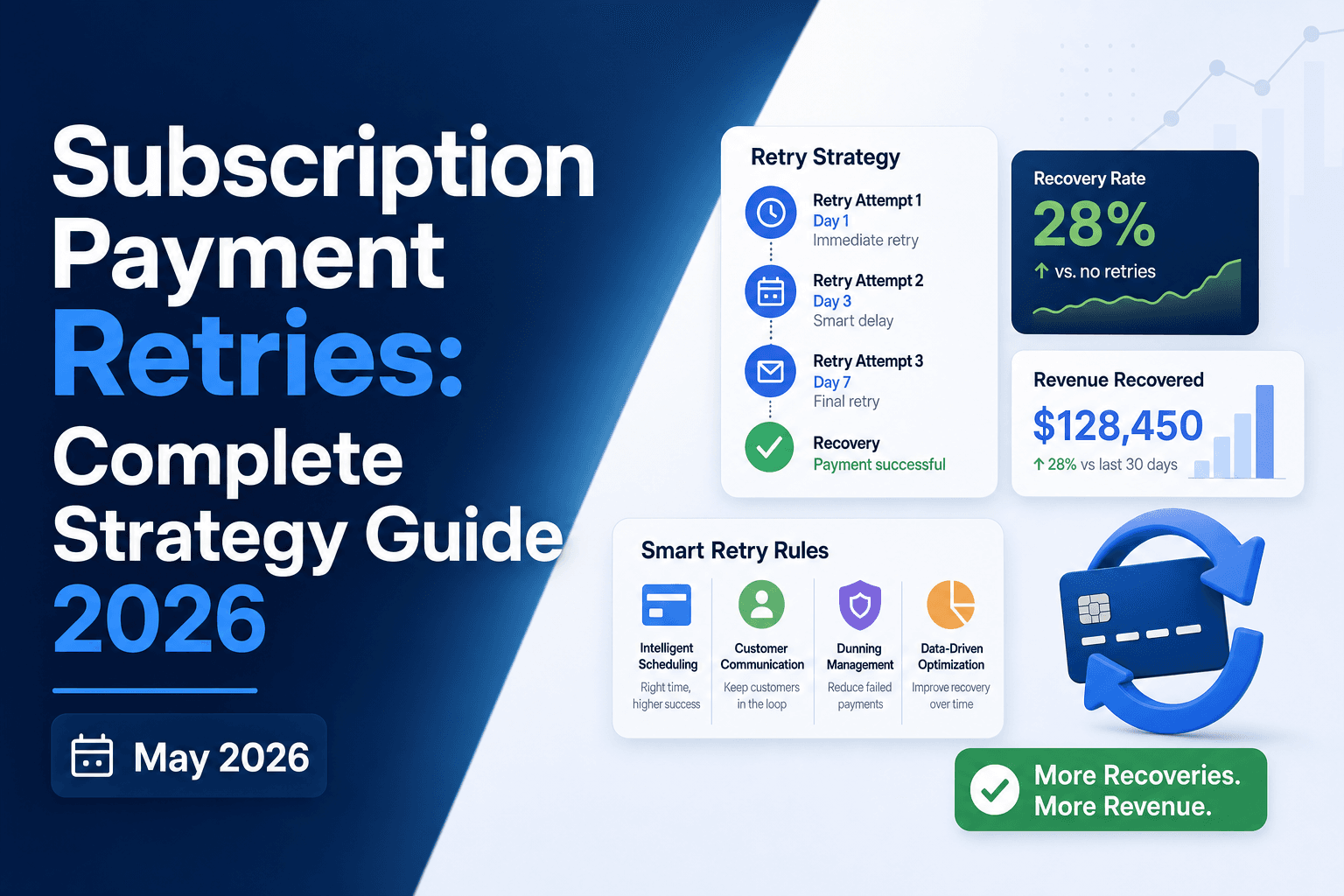
Stripe smart retries can handle the basics, but if you're running a high-volume subscription business and wondering why your Stripe retry setup still leaves revenue on the table, the answer is usually in the details: retry timing, decline code routing, geography, and whether your logic can tell a soft decline from a hard one. This guide walks through the full picture of payment retry strategy, including where tools like Stripe's built-in retry logic hit their limits and what a more complete approach looks like.
TLDR:
- Industry data shows roughly 15% of recurring payments are declined; a meaningful share are soft declines that resolve on retry without any customer contact.
- Separating soft declines (temporary, retriable) from hard declines (permanent, require customer action) is the foundation of any working retry strategy.
- Visa caps retries at 15 attempts over 30 days; breaching those limits triggers penalty fees of around $0.25 per excessive retry, compounding fast at volume.
- Aligning retry timing to subscriber payday cycles by geography (US bi-weekly Fridays, Western Europe month-end) measurably outperforms fixed-schedule logic.
- Slicker layers an ensemble of AI models over your existing billing infrastructure, with impact proven via clinical-grade AABB testing; if it does not beat your control with statistical significance, you do not pay.
What Payment Retries Mean for Subscription Revenue
When a subscription payment fails, you have two choices: write off the revenue or try again. Payment retries are the automated process of reattempting a declined charge, and for subscription businesses, they are one of the highest-impact tools available for protecting MRR (monthly recurring revenue).
Industry data suggests roughly 15% of recurring payments are declined at some point, and a meaningful share of those declines are soft declines: temporary issuer-side rejections that resolve on their own. Retrying at the right moment turns those recoverable failures into collected revenue, with no customer interaction required.
Why Subscription Payments Fail
Roughly 15% of recurring payments are declined, and the reasons split into two distinct categories that demand different responses.
Hard declines are permanent. A stolen card, a closed account, or a flagged fraud case will not resolve itself on retry. These require customer action.
Soft declines are temporary. Insufficient funds, network timeouts, or issuer-side caution can resolve on their own, making them the primary target for a soft decline retry playbook.
Getting this wrong costs real money. Retrying a hard decline wastes attempts and risks triggering fraud flags with the issuer, while failing to retry a soft decline means losing a customer who intended to stay.
Soft Declines vs. Hard Declines: The Foundational Distinction
Soft declines are temporary failures where the issuer is open to a retry. Think insufficient funds, a busy bank server, or a generic "do not honor" code that often clears within days. Hard declines are permanent rejections: stolen cards, closed accounts, invalid card numbers. Retrying a hard decline wastes a retry attempt, risks triggering fraud flags, and annoys customers unnecessarily.
Getting this distinction right is the starting point for any retry strategy. A smart retry system routes each decline code to the correct path: queue soft declines for timed retries, route hard declines to dunning flows that prompt the customer to update their payment method. Conflating the two categories is where most basic billing tools lose recoverable revenue before a single retry fires.
Soft Decline | Hard Decline | |
|---|---|---|
Nature | Temporary, issuer-side rejection | Permanent rejection |
Common examples | Insufficient funds, network timeout, generic "do not honor" | Stolen card, closed account, invalid card number |
Resolves on its own? | Yes, often within hours to days | No; requires cardholder action |
Correct response | Queue for timed retry at optimal window | Route to dunning flow; prompt payment method update |
Risk of retrying blindly | Low; poor timing wastes attempts | High; triggers fraud flags, risks MID penalties |
Mastercard MAC guidance | MAC 02: try again later; MAC 24-30: retry after specified interval | MAC 03: do not try again; MAC 01: new account information available (update payment method before retrying) |
How Payment Retry Systems Work
The sequence starts the moment a charge fails. The gateway returns a decline code, and the retry system reads it alongside any network-level guidance. Mastercard Merchant Advice Codes can specify exactly how long to wait before the next attempt. Based on those combined signals, the system classifies the failure and determines the right path: schedule a timed retry, or route to a dunning flow if the failure requires cardholder action.
In event-driven architectures, this logic fires from a webhook emitted by the billing system at the point of failure. The retry engine reads and processes the decline data, schedules an attempt for the optimal window, and executes it through your existing billing infrastructure with no parallel payment rails and no separate reconciliation layer.
When a retry succeeds, the recovered payment flows through identically to any regular charge. Finance teams see a collected payment, not a flagged recovery, which means no downstream system changes and no reconciliation overhead.
Static vs. Smart Retry Logic
Static retry logic follows a fixed schedule, such as retrying on days 3, 7, and 14 after a failure, regardless of why the payment failed or who the customer is. Every account gets the same treatment.
Smart retry logic uses AI to decide when and whether to retry based on real signals: the decline code, the issuer, the card type, the customer's payment history, and timing patterns. A soft decline on a premium account looks different than a hard decline on a prepaid card, and the retry strategy should reflect that.
The gap between the two approaches shows up directly in recovered revenue.
Why Fixed Schedules Leave Money Behind
Static schedules ignore the information already available in the decline response. Retrying a stolen card follows the same cadence as retrying a card with a temporary authorization hold, even though one requires customer action and the other just needs better timing.
- Soft declines from temporary holds or insufficient funds often recover within hours if retried at the right moment, not days later on a fixed schedule.
- Hard declines on stolen or canceled cards will not recover regardless of retry timing, and repeated attempts can flag your merchant account with issuers.
- Ignoring issuer-specific behavior means missing windows when a particular bank's authorization rates are measurably higher.
Smart retries read these signals and act on them, routing each failed payment toward the recovery path most likely to succeed.
Card Network Retry Rules and Penalty Fees
Visa and Mastercard payment retry rules cap how many times you can attempt a declined transaction within a given window. Breaching those limits triggers penalty fees, typically around $0.25 per excessive retry, which compound quickly at volume. Visa's rules generally allow one retry per day on a soft decline, with a hard cap of 15 attempts over 30 days. Mastercard follows a similar structure but enforces it through Merchant Advice Codes (MACs) that specify whether a retry is even permitted.
Why This Matters for Your Retry Strategy
Ignoring these rules costs you more than fees. Repeated excessive retries can get your merchant account flagged or terminated. For high-volume subscription businesses, staying within network guidelines while still maximizing recovery attempts requires knowing exactly which decline codes allow retries and which ones don't. A hard decline on a reported stolen card, for example, should never be retried. A soft decline due to a temporary authorization hold is a different story entirely. Building retry logic around that distinction keeps you compliant and protects your MID (Merchant ID) from network penalties.
Mastercard Merchant Advice Codes and How to Use Them
Mastercard introduced Merchant Advice Codes (MACs) to give subscription businesses clearer guidance on what to do after a failed payment. Where generic decline codes tell you a payment failed, MACs tell you what to do next.
The Core MAC Values
Each code maps to a specific recommended action:
- MAC 01: New Account Information Available. New card details exist for this account; retrieve the updated payment information and update the payment method before attempting a retry.
- MAC 02: Try Again Later. The decline is temporary and a retry is appropriate after a short delay. A more specific timing code (MAC 24-30) may accompany it with an exact retry window.
- MAC 03: Do Not Try Again. This is a hard stop; retrying after this code risks card network penalties. Mastercard charges $0.10 per retry that ignores this code.
- MAC 21: Payment Cancellation. The subscriber has cancelled the payment; do not retry, and route to a dunning flow to prompt an update if appropriate.
- MAC 40: Consumer Non-Reloadable Prepaid Card. This identifies the card type; no explicit retry instruction is attached. Apply conservative retry logic for this card type.
Routing Logic That Follows the Code
The practical value of MACs comes from acting on them accurately. A MAC 02 is a soft stop; retrying after a short delay tends to perform well, especially when accompanied by a timing code from the MAC 24-30 range. A MAC 03 is a hard stop; ignoring it risks card network penalties and a $0.10 fee per excessive retry attempt. A MAC 01 treated as a recoverable soft decline wastes retry attempts and risks compliance violations, since it signals that new account information is available and the payment method needs updating before any retry will succeed. Subscription businesses processing at scale need retry systems that read these codes and route accordingly, automatically and without manual review on every transaction.
MACs won't eliminate failed payments on their own, but they meaningfully reduce wasted retries and protect your standing with issuers.
Retry Timing: When to Retry for Maximum Recovery
Retry timing is one of the most overlooked levers in payment recovery. Retrying too soon after a decline wastes an attempt and can signal excessive retrying to issuers. Waiting too long means revenue sits uncollected for days.
The right window depends on why the payment failed and where your subscriber is located.
Timing by Decline Type
- Intelligent payday retries recover soft declines from insufficient funds best when timed around a subscriber's likely payday. Retrying mid-month on a weekly-paid subscriber often fails for the same reason the first attempt did.
- Temporary issuer holds or processing errors typically clear within 24 to 48 hours, making a next-day retry reasonable.
- Network timeouts warrant a same-day retry, often within a few hours.
Timing by Geography
Payday cycles vary by country, and your retry schedule should reflect that.
- US subscribers are commonly paid bi-weekly, on Fridays. Retry windows aligned to Friday or the following Monday outperform mid-week attempts.
- Western Europe and the UK follow monthly salary cycles, with paydays clustered at month-end. Retries in the first few days of the new month tend to see higher success rates.
- Australia also runs on fortnightly pay cycles, similar to the US, with Thursday and Friday performing well.
Matching retry timing to these cycles measurably outperforms fixed-schedule logic without touching any other variable in your setup.
How Stripe Smart Retries Works and Where It Falls Short
Stripe's built-in retry logic, called Smart Retries, uses AI to pick better retry timing than a fixed retry schedule for subscription billing. Instead of retrying every 3, 5, and 7 days regardless of context, it reads Stripe's network signals to choose moments when a card is more likely to approve.
For many early-stage businesses, that's enough. But for high-volume subscription companies, the gaps matter.
Where Smart Retries hits its ceiling
- Stripe Smart Retries only works within Stripe's own network data, so it has no visibility into issuer-side signals, cardholder behavior patterns, or the account-level history your billing relationship has accumulated over time.
- Retry logic is not configurable. You cannot adjust timing windows by geography, card type, or decline reason without building custom webhook retry logic on top of the native tool.
- There is no AABB testing. You have no statistically rigorous way to measure whether Smart Retries is actually outperforming a control, which means you're taking Stripe's word on performance instead of verifying it on your own revenue data.
- Pricing context matters: Stripe Billing pricing changes periodically, so verify current rates directly on Stripe's pricing page. The cost structure scales with your subscriber base whether or not retries are recovering incremental revenue.
For businesses asking whether Stripe retry failed subscription payment logic is sufficient, the real answer depends on volume. At scale, the lack of configurability, external signal access, and verified performance measurement leaves meaningful recovered revenue on the table.
Smart Dunning: When Automated Retries Are Not Enough
When automated retries fall short because a card is expired or reported stolen, the failure requires direct customer action. That's where smart dunning comes in: targeted, personalized outreach timed to the specific decline reason.
Effective dunning frames the message around the service value the subscriber would lose, not the payment failure itself. Every email should come from your own domain and brand, and the call to action should match the error: a stolen card needs a new payment method added, while an expired card might just need a quick update.
Dunning is the fallback. Silent recovery comes first.
How to Measure Payment Retry Performance
Three metrics tell you whether your retry strategy is working.
Recovery rate is the percentage of failed payments that succeed on a subsequent attempt. Recovery rates vary by subscriber mix and billing infrastructure, so your own historical baseline is the most reliable reference point.
Days to recover tracks how long it takes from first failure to successful payment. Shorter recovery windows reduce involuntary churn risk and improve cash flow.
Retry attempt count before success reveals whether you're recovering revenue efficiently or just hammering cards until something sticks. High attempt counts with low recovery rates signal your retry logic needs rethinking.
Setting Up a Measurement Framework
Track these metrics segmented by decline code category, card network, and retry attempt number. A retry that works on attempt two for a soft decline but requires five attempts for an insufficient funds code is telling you something about your sequencing logic.
The most reliable way to measure improvement is AABB testing in payment recovery: split your failed payment traffic, run two different retry strategies simultaneously, and compare recovered revenue directly. Without a control group, you cannot separate the effect of your retry changes from seasonal billing patterns or subscriber mix changes.
How Slicker Recovers More Failed Payments Than Standard Retry Logic
Slicker sits on top of your existing Stripe or Braintree billing infrastructure, no engineering required. Setup takes about five minutes, and recovery runs silently in the background.
The core difference is how retry decisions get made. Where standard logic follows a fixed schedule, Slicker runs an ensemble of AI models that weighs issuer behavior, card type, geographic pay cycles, time of day, and decline code before deciding whether and when to retry a failed payment.
Recovery is the first line. Customer-facing dunning only fires when the failure genuinely requires action from the subscriber, such as an expired or stolen card.
Slicker proves its impact through clinical-grade AABB testing: your traffic splits 50/50, recovered dollars are measured directly, and the p-value is reported. If Slicker does not beat your control with statistical significance, you do not pay.
Final Thoughts on Maximizing Recovery From Failed Subscription Payments
Failed payments are not a fixed cost. A meaningful share of them are soft declines that resolve with better timing and smarter routing logic. The businesses that recover the most from those failures are the ones measuring the right metrics and testing their retry strategy against actual results. Get in touch with the Slicker team to see how your current recovery rate compares.
FAQ
What is payment retries meaning in practice for subscription businesses?
Payment retries are the automated process of reattempting a declined recurring charge. In practice, they separate recoverable soft declines (insufficient funds, network timeouts) from permanent hard declines (stolen cards, closed accounts), then schedule each retryable failure for a reattempt at the moment most likely to succeed. For subscription businesses, this directly protects MRR from involuntary churn without requiring customer intervention.
Should I use Stripe Smart Retries or Slicker for high-volume failed payment recovery?
Stripe Smart Retries works well at early-stage volume, but the ceiling is real: it draws only on Stripe's network data, offers no retry configurability by geography or decline reason, and provides no statistically rigorous way to verify what it actually recovers. Slicker runs alongside Stripe Smart Retries, splits your failed payment traffic 50/50, and reports recovered dollars with a p-value. If Slicker does not beat your control with statistical significance, you do not pay.
How do Mastercard Merchant Advice Codes affect my stripe retry failed subscription payment strategy?
Merchant Advice Codes (MACs) tell you what to do after a decline, beyond simply flagging that one occurred. MAC 03 signals do not try again, a hard stop; Mastercard charges $0.10 per retry that ignores it. MAC 01 indicates new account information is available and the card details need updating before any retry will succeed; MAC 21 signals a payment cancellation, meaning further retries are not appropriate. A retry engine that reads these codes and routes accordingly avoids penalty fees and protects your merchant account standing.
Can I build a payment retry strategy without adjusting my existing billing infrastructure?
Yes. Slicker connects to your existing Stripe, Chargebee, Recurly, Zuora, or Recharge setup via API keys, requires no engineering work, and goes live in about five minutes. Retries fire through your existing billing infrastructure, recovered payments flow identically to regular charges, and finance teams see collected revenue with no separate reconciliation layer required.
How do I measure whether my failed payment retries strategy is actually working?
Track three metrics segmented by decline code category and card network: recovery rate (percentage of failed payments that succeed on retry), days to recover (time from first failure to successful payment), and retry attempt count before success. The most reliable measurement approach is controlled testing: split failed payment traffic between two retry strategies simultaneously and compare recovered dollars directly. Without a control group, you cannot isolate your retry changes from seasonal billing swings or subscriber mix differences.
Related Articles
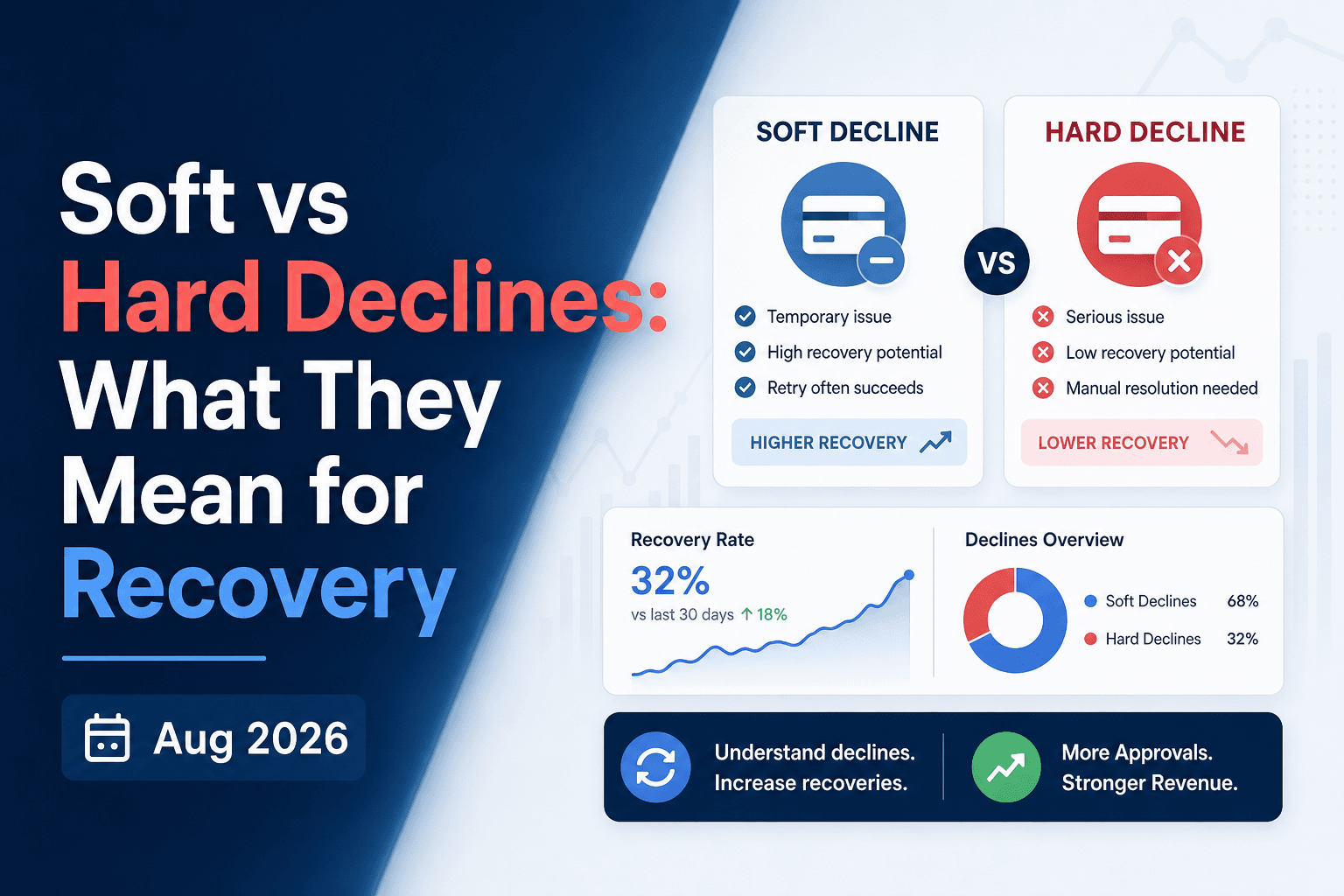
Soft vs Hard Declines: What They Mean for Recovery (Aug 2026)
Your card network is telling you exactly what went wrong with each failed payment. The problem is that most billing systems aren't listening closely enough....
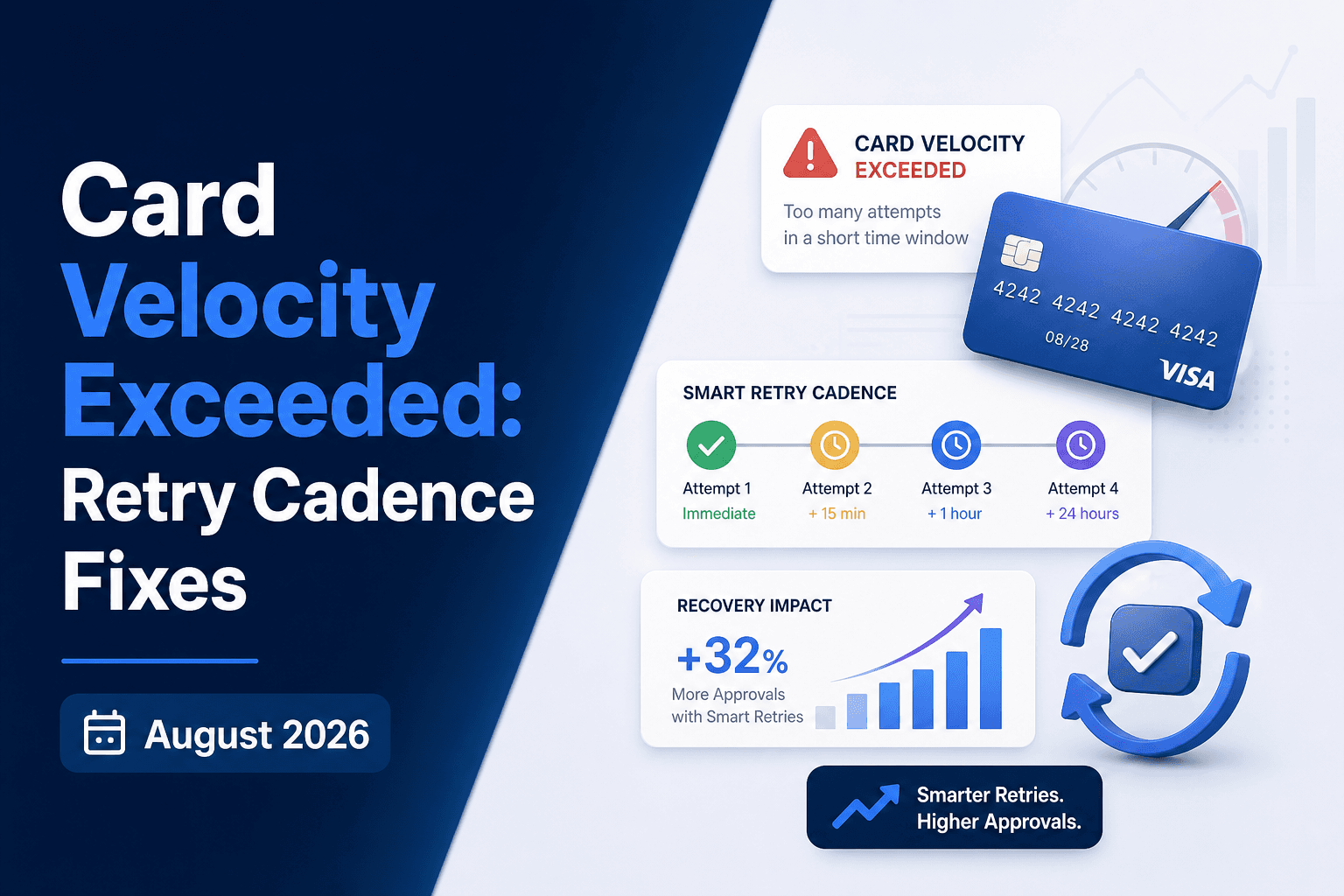
Card Velocity Exceeded: Retry Cadence Fixes (August 2026)
Your retry schedule fired, the code came back card_velocity_exceeded, and now you're not sure whether to wait it out or stop entirely. That uncertainty is the...
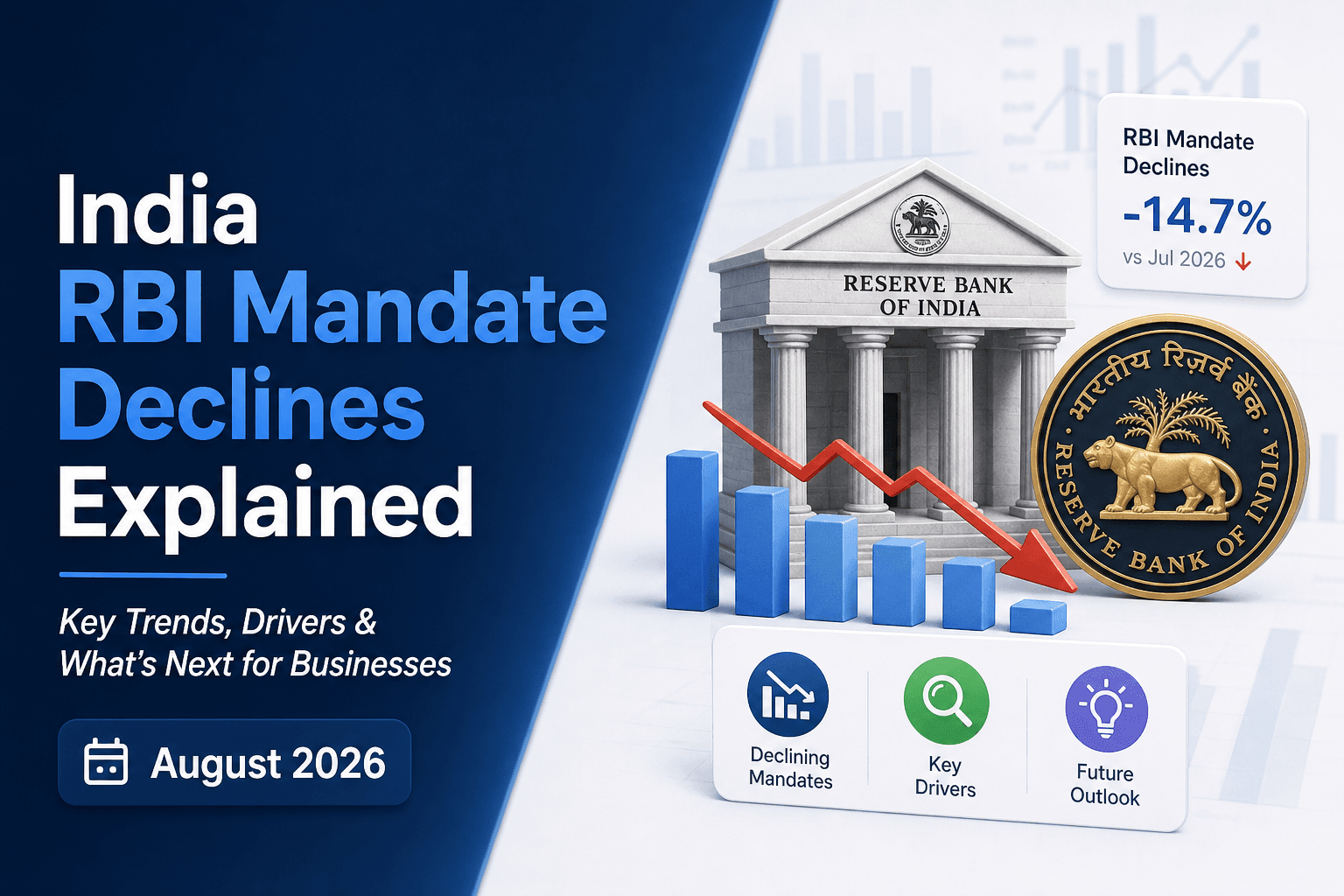
India RBI Mandate Declines Explained (August 2026)
If you've seen "RBI approval required" show up in your payment failures and assumed it was just another decline to retry, your recovery rate on Indian...
Stop losing revenue to failed payments
Join leading subscription businesses using Slicker to recover failed payments automatically.
Get Started