Network Error Codes: The Retry Signal You're Missing (October 2026)
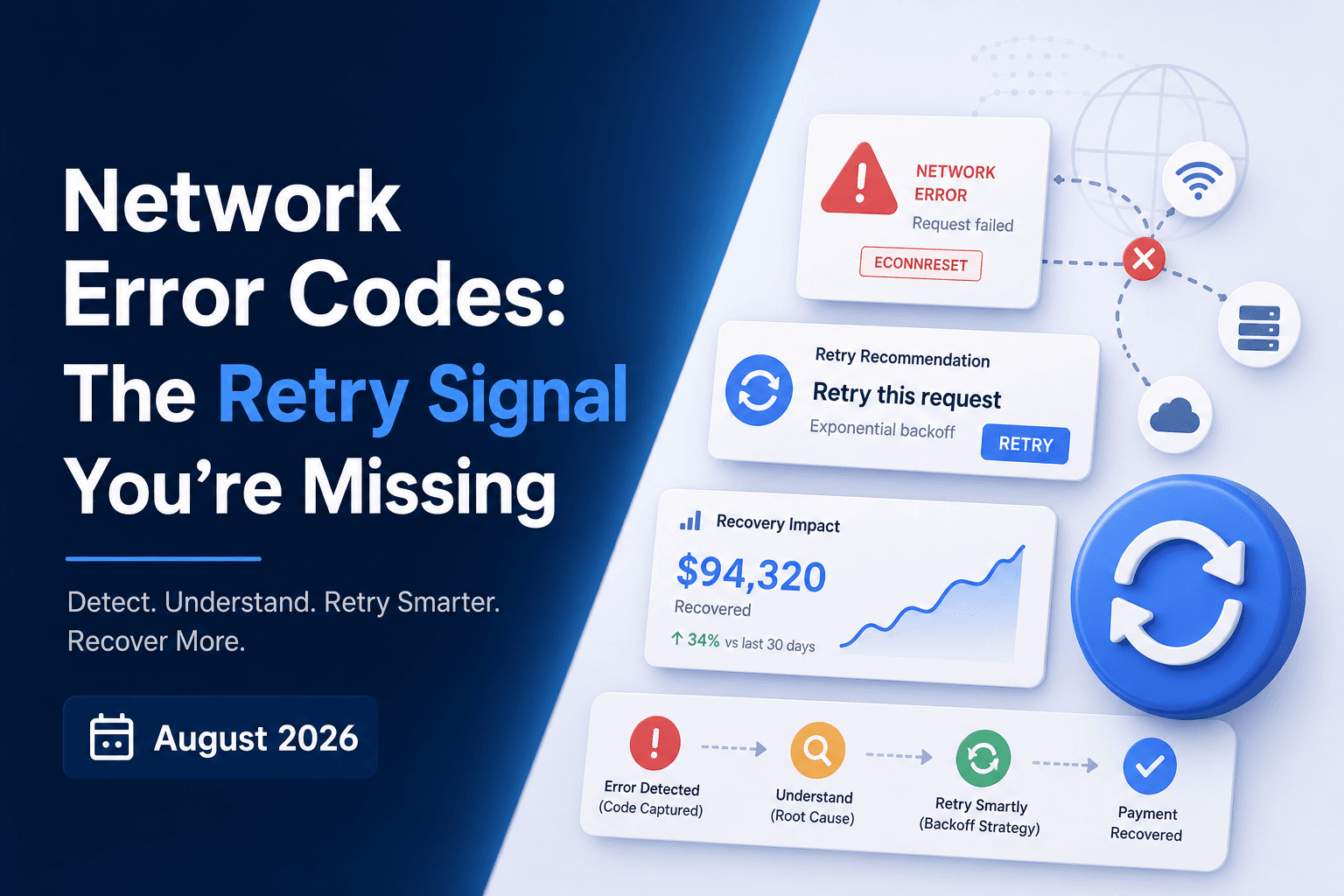
Your gateway gives you a label. The network error code gives you a reason. That gap matters more than most payments teams realize, because the same gateway code can map to a soft decline you should retry tomorrow or a hard stop that penalizes you for trying again. Here's how to tell the difference.
TLDR:
- Gateway codes tell you a transaction failed; network error codes tell you why, and that distinction determines whether a retry recovers revenue or burns a permitted attempt.
- Code 05 "Do Not Honor" accounts for 30 to 40% of all declines, but roughly 50% of those are insufficient funds in disguise; only the network layer separates them.
- Visa and Mastercard cap retries at 15 attempts per card within 30 days; exceeding that triggers penalties up to $75,000 per month from Visa's Merchant Monitoring Program.
- MAC 03 adds a $0.10 Mastercard penalty per retry attempt after a do-not-retry instruction, accruing silently across thousands of transactions.
- Slicker ingests the gateway code, ISO 8583 network code, and MAC for every failed transaction before acting, producing different retry decisions from the same gateway code depending on what sits beneath it.
The Payment Authorization Chain
Every transaction passes through four stops: your checkout or billing system, the payment gateway or processor, the card network (Visa or Mastercard), and the issuing bank. Each layer generates its own response code, and each carries different information about what went wrong.
The gateway speaks first. It translates the bank's response into its own format, which is why the same underlying failure looks different in Stripe versus Adyen versus Checkout.com. Beneath that sits the card network code, sent directly from Visa or Mastercard, and beneath that, the issuing bank's raw decision.
Which layer produced the code determines everything. A gateway code tells you the transaction was declined. A network error code tells you why. That distinction separates a retry that recovers revenue from one that burns an attempt, triggers a fee, or damages your merchant reputation.
What a Gateway Error Code Is
Gateway error codes are what most payments teams spend their time staring at. When a charge fails, Stripe returns something like card_declined or insufficient_funds. Adyen returns 20005. Checkout.com returns its own variant. Each gateway takes the raw issuer response and normalizes it into a proprietary format designed for developer readability across hundreds of different issuers.
The normalization is useful. Without it, you would need to parse hundreds of bank-specific response strings. But the translation strips out diagnostic precision. When Stripe says card_declined, that single label can map to a temporary hold, a fraud flag, a velocity block, or an outright account closure. The gateway has collapsed the signal.
Cross-gateway inconsistency compounds this further. Two processors can receive the identical issuer response and return completely different codes, meaning the same underlying bank decision looks like a different failure depending on which gateway processed it. Teams comparing decline rates across processors often end up comparing labels, not causes, which means retry logic built on gateway codes alone will misroute decisions and leave recoverable revenue on the table.
What a Network Error Code Is
The network error code is the raw numeric code returned by the issuing bank, traveling inside Data Element 39 (DE 39) of an ISO 8583 authorization response message. ISO 8583 is the international messaging standard underpinning every Visa, Mastercard, and Amex transaction globally, and DE 39 is where the issuer's actual verdict lives.
Most merchants never see these codes. The gateway intercepts the message, reads DE 39, and remaps it into its own proprietary format before surfacing anything to your system. What you receive is a translation. The original is gone, and with it the diagnostic precision needed to make correct retry decisions and avoid network penalties.
Why Network Codes Outperform Gateway Codes
Gateway codes collapse the signal. Network codes restore it.
Code 05 "Do Not Honor" is the single highest-volume decline code, 30 to 40% of all declines, and roughly 50% of those are insufficient funds in disguise. The rest are fraud flags, velocity blocks, or issuer-side system limits. A gateway code cannot tell you which one you are looking at. A network code can.
The difference plays out directly in retry decisions. Adyen's 20005 with network code 05 and Merchant Advice Code (MAC) 26 means the issuer wants you to wait two days before retrying. The same 20005 with network code 100 means do not retry at all. Identical gateway codes. Opposite actions. The network layer is what separates them.
Hard Declines vs. Soft Declines at the Network Level
At the network layer, the hard/soft distinction carries real revenue consequences before any gateway rewrite occurs.
Hard decline codes signal permanent conditions. Network code 41 (stolen card), 46 (closed account), and fraud-flagged responses remapped through code 59 will not resolve on their own. Retrying those credentials wastes one of your limited network-permitted attempts, damages your authorization rate metrics, and incurs scheme fees from Visa and Mastercard.
Soft declines are different. Code 51 (insufficient funds), code 91 (issuer unavailable), and code 92 (try again later) reflect temporary conditions where the card is valid and a correctly timed retry has genuine recovery potential.
The problem is that a gateway often returns the same code for both categories, leaving you no way to tell which situation you are in. The network code can.
How Visa and Mastercard Categorize Network Codes Differently
Visa and Mastercard each publish structured category frameworks that go beyond a simple hard/soft split. Visa organizes declines into three categories: Category 1 (codes like 04, 07, 41, and 43, where the issuer will never approve and zero retries are permitted), Category 2 (codes like 51, 61, and 91, where the issuer cannot approve right now but retry is eligible), and Category 3 (data quality issues like code 54 for expired cards, where revalidation is required before any retry). Mastercard pairs its own decline categories with Merchant Advice Codes for more granular per-transaction guidance.
Visa also tightened its rules in 2021, per Visa's issuer guidelines, pushing issuers to use more specific decline codes rather than the catch-all code 05. Retrying Category 1 cards that will never authorize burns Visa and Mastercard payment retry attempts and pulls your authorization rate down.
Merchant Advice Codes: The Layer Above Network Codes
Merchant Advice Codes (MACs) sit on top of the network code and are Mastercard-specific. Visa does not publish a comparable set. When present, a MAC delivers explicit, transaction-level retry instructions, removing any need to infer the correct action.
The canonical codes and what they actually mean:
- MAC 01: new account information is available; update the card before any retry
- MAC 02: try again later
- MAC 03: do not try again; hard stop, and retrying triggers a $0.10 per-attempt Mastercard penalty
- MAC 21: stop recurring payment; this is a cardholder-initiated cancellation, not a generic decline, and requires ceasing all future charges on that account
- MAC 24: 1 hour; MAC 25: 24 hours; MAC 26: 2 days; MAC 27: 4 days; MAC 28: 6 days; MAC 29: 8 days; MAC 30: 10 days
- MAC 40: consumer non-reloadable prepaid card
- MAC 41: consumer single-use virtual card number
Two distinctions matter most. MAC 21 is not a do-not-honor response; treating it as one and retrying is a compliance error. MAC 01 means the instrument needs updating before any retry will succeed, and understanding how merchant advice codes affect payment recovery is critical before acting on either: retrying without that context wastes permitted attempts and, in the case of MAC 03, accrues $0.10-per-attempt penalties silently across your transaction volume.
When Network Codes Change Across Retry Attempts
Most billing teams treat each retry attempt as an independent event. The code from attempt one gets logged, the retry fires, and whatever comes back gets logged separately, with no connection drawn between them.
That's a mistake. A code 51 insufficient funds decline that returns a velocity-related response on the next attempt is no longer signaling a short balance. It's signaling that the issuer is now flagging your merchant for excessive attempts. The underlying problem has shifted.
The same applies to a code 05 progressing toward a fraud-block response: that evolution is an early warning the card is under issuer scrutiny, not a reason to keep retrying.
Gateway codes hide this progression entirely. Because gateways normalize each authorization response independently, a payments team reviewing gateway logs sees the same label repeated across attempts, with no visibility into the fact that the issuer's actual response changed. Sequential network code analysis is the only way to catch that shift before it crosses into penalty territory.
Retry Compliance and Network Code Logic
Visa and Mastercard both cap retries at 15 attempts per card within a 30-day window, which is why building a retry allowlist and blocklist from decline codes matters before exceeding that threshold triggers a penalty event.
Per Mastercard's published program rules, the Excessive Attempts program charges $1.00 per excessive retry in the first month, escalating to $2.00 in subsequent months. Retrying after receiving a MAC 03 (Do Not Try Again) adds a $0.10 penalty per attempt. Visa's Merchant Monitoring Program can escalate to fines between $5,000 and $75,000 per month for merchants who breach decline rate thresholds.
Network codes and MACs are compliance instructions. Acting on a gateway code alone makes it impossible to know which retries are within network rules and which are accumulating penalty exposure. The gateway tells you a transaction failed. Only the network layer tells you whether retrying is permitted.
How Slicker Reads All Three Layers
Reading all three layers simultaneously is what separates a retry decision from a retry guess.
Slicker's retry engine ingests the gateway code, the ISO 8583 network code, and the Mastercard MAC (Merchant Advice Code) for every failed transaction before taking any action. The same Checkout.com gateway code 20005 produces three different outcomes depending on what sits beneath it:
Gateway Code | Network Code | MAC | Decision |
|---|---|---|---|
20005 | 05 | 26 | Retry after 2 days |
20005 | 05 | 03 | Hard stop, no retry |
20005 | 100 | -- | Do not retry |
No single layer contains enough information to make that call correctly. The gateway code is identical in all three rows.
Slicker's AI models weigh MAC guidance as one input among many, not as an absolute instruction. MAC 02 ("try again later") shows the risk clearly: an issuer returning it repeatedly creates an infinite loop that consumes permitted attempts, and the case to stop retries earlier is precisely what expires the dunning window before recovery can occur. Slicker tracks MAC response patterns across sequential attempts, breaks the loop, and routes to failure reason dunning cadence outreach instead of continuing automated retries.
The MAC 03 penalty applies when merchants retry after receiving a do-not-retry instruction: $0.10 per attempt, accruing silently across thousands of transactions. Reading the MAC before acting prevents that fee from accumulating.
All of this happens inside your existing billing infrastructure. Recovered payments flow through Stripe, Chargebee, Recurly, Zuora, or Recharge identically to any other successful charge, with no workflow changes for your finance or reconciliation teams.
Final Thoughts on How Network Error Codes Drive Better Payment Recovery
The retry decision that recovers revenue and the one that triggers a Mastercard penalty can look identical at the gateway layer. Network codes and MACs are what separate them, and most billing infrastructure never surfaces either. Your gateway is giving you a translation when you need the original. Reach out to the Slicker team to see how reading all three layers changes the numbers on your failed payment recovery.
FAQs
What is a network error code and how does it differ from a gateway error code?
A network error code is the raw numeric response from the issuing bank, carried inside Data Element 39 (DE 39) of an ISO 8583 message. A gateway error code is a proprietary translation of that signal: Stripe, Adyen, and Checkout.com each remap the bank's verdict into their own format before surfacing anything to your system. The gateway tells you a charge was declined; the network code tells you the specific reason, which determines whether retrying will recover revenue or burn a permitted attempt.
How do merchant advice codes affect when and whether to retry a failed subscription payment?
Merchant Advice Codes (MACs) sit on top of the network code and deliver explicit, per-transaction retry instructions from Mastercard (Visa does not publish a comparable set). MAC 03 is a hard stop where retrying triggers a $0.10 per-attempt penalty; MACs 24 through 30 prescribe specific windows from one hour to ten days; MAC 21 signals a cardholder-initiated cancellation where all further charges must cease. Following MAC guidance blindly can still create problems: MAC 02 ("try again later") returned repeatedly creates an infinite loop that consumes permitted attempts and closes the dunning window before recovery occurs, which is why an effective retry engine tracks MAC patterns across sequential attempts and routes to dunning outreach when the loop is detected.
How do I avoid Visa and Mastercard retry fees when retrying failed subscription payments?
Read the network error code and any MAC before each attempt, and do not rely on the gateway code alone. Visa caps retries at 15 attempts per card within 30 days; Mastercard allows 10 retries within 24 hours on soft declines. Retrying after a MAC 03 adds a $0.10 Mastercard penalty per attempt, and Visa's Merchant Monitoring Program can escalate to fines between $5,000 and $75,000 per month for merchants breaching decline rate thresholds. A gateway code alone cannot tell you which retries are within network rules and which are accumulating penalty exposure.
Same gateway code, different network codes: what retry decision should I make for Checkout.com 20005?
The gateway code is not enough information to act on. Checkout.com 20005 with network code 05 and MAC 26 means the issuer wants a two-day wait before retrying. The same 20005 with network code 05 and MAC 03 means a hard stop where retrying triggers a fee. The same 20005 with network code 100 means do not retry at all. Three identical gateway codes, three opposite actions: only the network layer separates them.
Can I track how a network error code changes across retry attempts to detect issuer flagging early?
Yes, and doing so is one of the most practical ways to avoid penalty territory. A code 51 (insufficient funds) that returns a velocity-related response on the next attempt signals the issuer is now flagging your merchant for excessive attempts, not a short balance. A code 05 progressing toward a fraud-block response is an early warning the card is under issuer scrutiny. Because gateways normalize each authorization response independently, sequential changes in the underlying network code are invisible in gateway logs: you see the same label repeated with no signal that the issuer's actual response shifted.
Related Articles
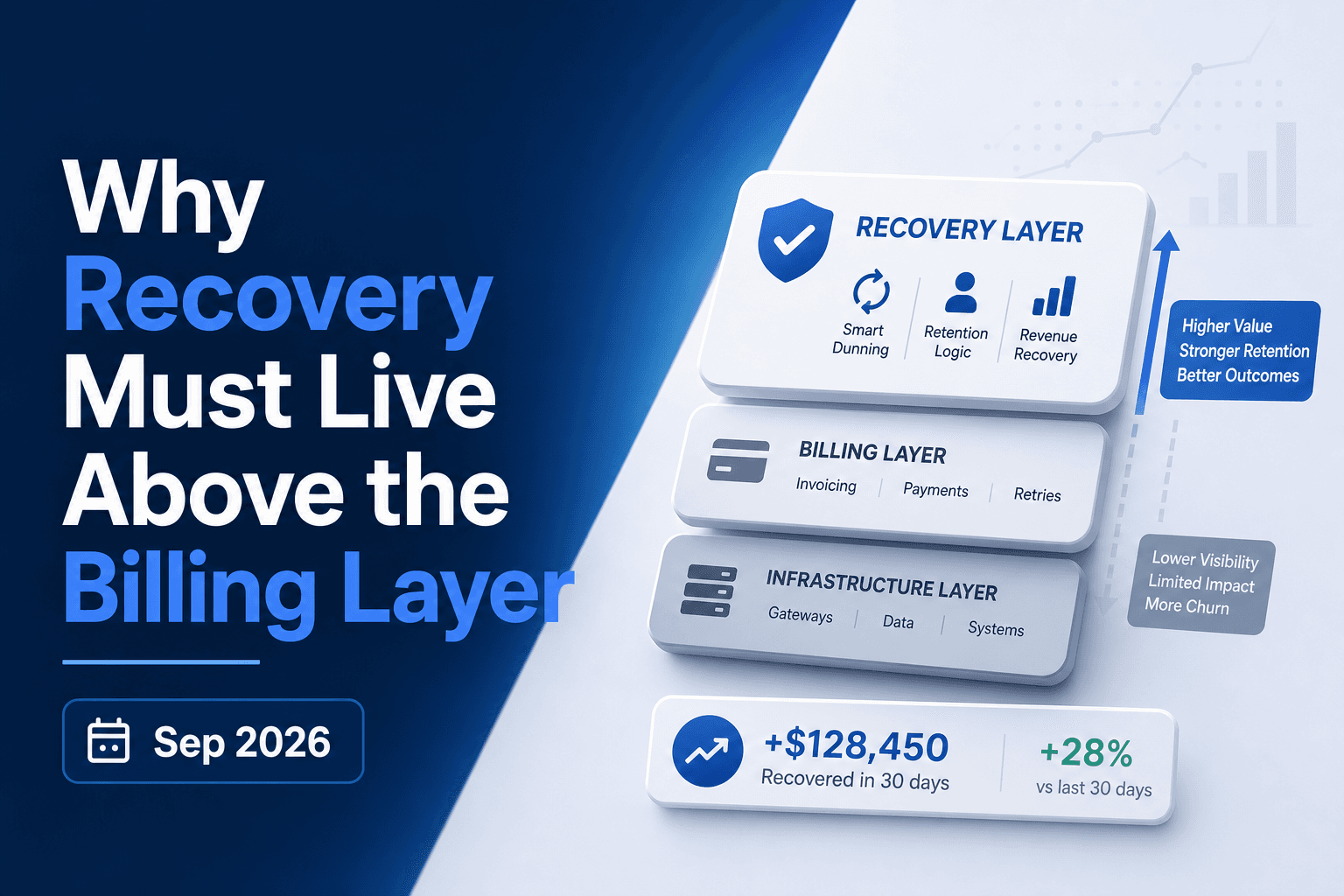
Why Payment Recovery Must Live Above Billers October 2026
A payment fails. Your biller retries it three days later, then again at seven, then at fourteen. What the biller never checks is whether the issuer sent a...
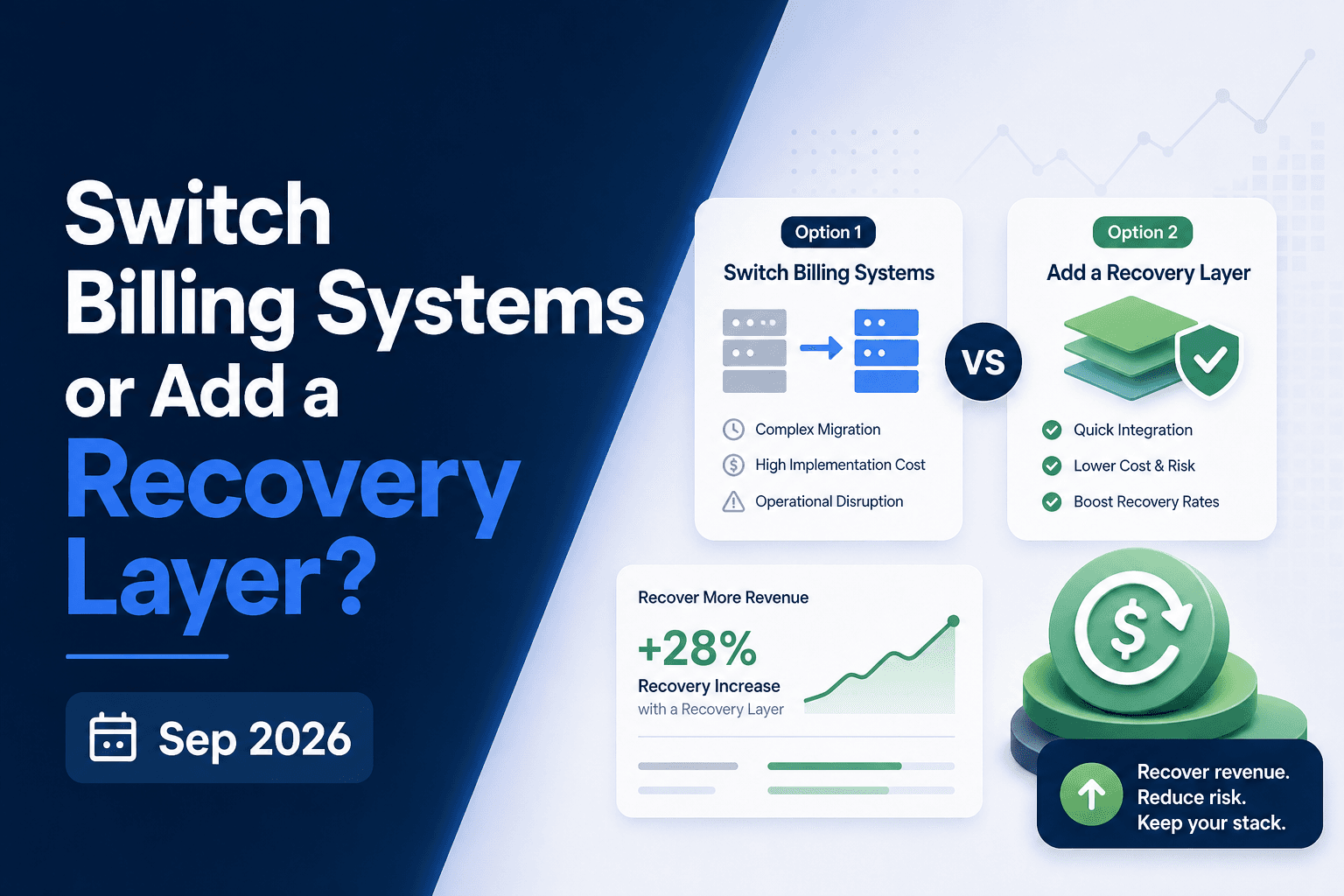
Billing Migration vs Recovery Layer: The Right Call October 2026
Switching billing systems feels like the right move when revenue collection starts breaking down. Sometimes it is. But soft declines, weak retry logic, and...
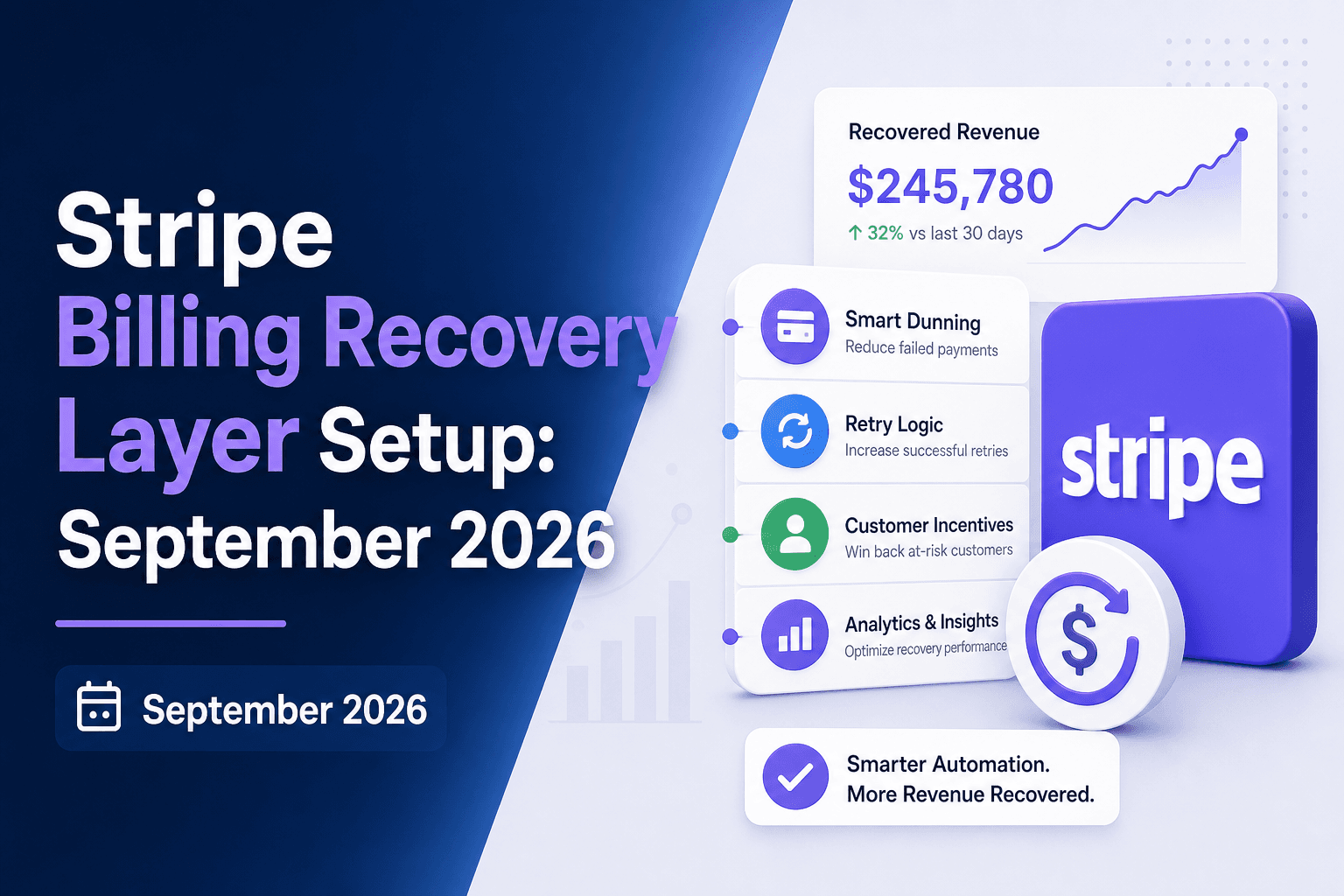
Stripe Billing Recovery Layer Setup Time: October 2026
Adding a recovery layer on top of Stripe Billing sounds like the kind of thing that goes on a quarterly roadmap and gets delayed twice. For most teams, it's...
Stop losing revenue to failed payments
Join leading subscription businesses using Slicker to recover failed payments automatically.
Get Started