Stripe Billing Recovery Layer Setup Time: October 2026
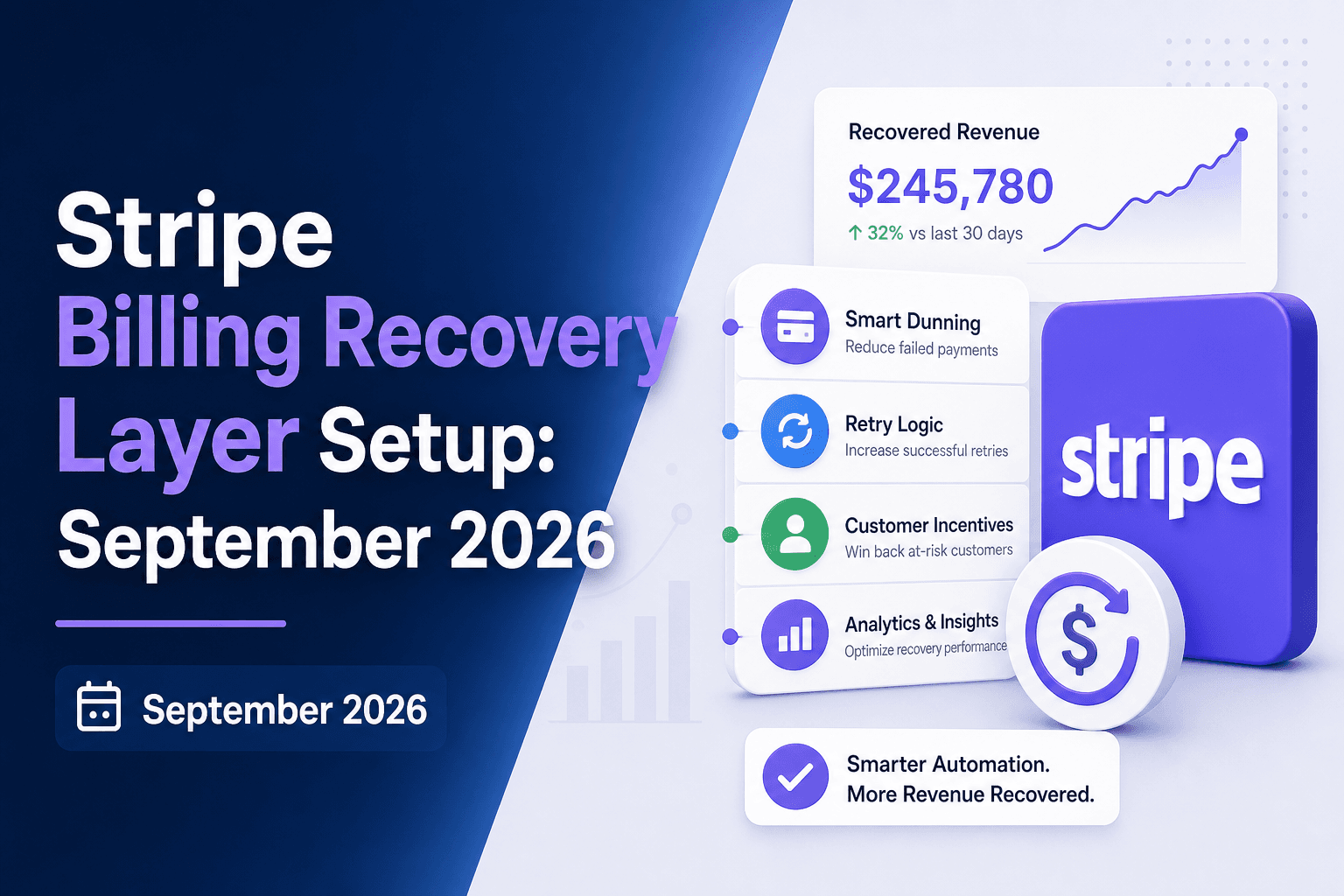
Adding a recovery layer on top of Stripe Billing sounds like the kind of thing that goes on a quarterly roadmap and gets delayed twice. For most teams, it's actually closer to a few days of configuration. The setup timeline breaks down by one variable, and once you know which side of it you're on, the path forward gets pretty clear.
TLDR:
- Failed payments drive about 50% of involuntary churn; that's lost MRR from subscribers who never chose to leave.
- Stripe Smart Retries recovers 25 to 35% of failed payments for B2C businesses, per an independent audit of 200+ accounts.
- On supported billing systems (Stripe Billing, Chargebee, Recurly), a recovery layer goes live in days with no engineering work.
- Disable Stripe Smart Retries before adding a recovery layer; conflicting logic can trigger Visa fees of $1 to $25 per excess retry.
- Slicker connects to Stripe Billing via API keys, reads MACs beneath gateway-level codes, and has delivered 4 to 10 percentage-point recovery-rate uplift across deployments.
What Involuntary Churn Costs Stripe Billing Users
Industry data shows roughly 15% of recurring card transactions are declined, and failed payments drive about 50% of involuntary subscription churn. That's revenue from subscribers who never chose to leave, disappearing inside a billing cycle most finance teams aren't watching closely enough.
The measurement problem compounds the revenue problem. When involuntary churn (subscribers lost to payment failures, not cancellations) gets lumped in with voluntary churn, retention teams end up running win-back campaigns for customers who would have stayed if the payment had gone through. Budget goes to product fixes and exit surveys while the billing layer quietly drains MRR (monthly recurring revenue).
For Stripe Billing users, this gap tends to stay invisible until recovery rates plateau. The defaults weren't built to surface what's slipping through.
What Stripe Billing's Built-In Recovery Actually Does
Stripe Billing includes three native recovery tools that activate automatically once you turn them on.
Smart Retries draws on historical transaction data across the Stripe network to pick retry timing for each failed charge. Instead of retrying on a fixed retry schedule, it targets the window where that specific card is statistically more likely to authorize.
On the customer communication side, Stripe sends automated emails prompting subscribers to update their payment details. These go out from Stripe, on Stripe's timeline, using Stripe's default templates.
The third piece is Stripe Billing Automations: conditional workflows around subscription states such as pausing, canceling, or sending reminders after a set number of days past due. Configurable, but rule-based, which is worth understanding if you are comparing smart dunning vs rules-based recovery.
Together, these form a coherent first pass at recovery with no engineering work required. For current capabilities, Stripe's revenue recovery documentation is the primary reference.
Where Stripe Smart Retries Has Structural Limits
Stripe publishes that businesses recover 55% of failed payments on average using Smart Retries. After auditing 200+ B2C Stripe Billing accounts representing over $500M in failed-payment volume. That gap of 20 to 30 points is structural, not accidental.

A few reasons for it:
- Smart Retries draws only on Stripe-network data, so if your subscriber mix skews toward issuers or geographies underrepresented in that network, the timing model has less signal to work with.
- The retry window is fixed and does not adapt to regional pay cycles, country-specific bank holidays, or account-level patterns outside what Stripe sees.
- Stripe does not switch to an alternate card on file during retries, so a failed card ends the automated attempt entirely.
- For India cards, Stripe does not retry at all under RBI mandate rules, leaving that revenue unrecovered unless a separate layer picks it up.
The 55% figure reflects an aggregate that includes B2B SaaS and enterprise accounts where corporate cards fail less often and recover more predictably. B2C subscription businesses carrying consumer debit and prepaid cards pull that average down considerably.
What a Recovery Layer on Top of Stripe Actually Is
A recovery layer is a separate system that connects to both Stripe Billing and your payment provider, running its own logic in parallel to Stripe's defaults.
Stripe remains your billing source of truth. Open invoices, subscription states, and customer records all live in Stripe. The recovery layer reads those unpaid invoices and decides whether to retry, when, and whether to send a targeted email. When a payment succeeds, it flows through your existing Stripe rails like any normal charge.
The value is signal access. Stripe Billing exposes gateway-level decline codes. A recovery layer pulls network response codes and Merchant Advice Codes (MACs) that sit deeper: the difference between knowing a charge failed and knowing why. A Merchant Advice Code 03 means stop entirely; a MAC 26 means wait two days. Treating those the same wastes retries and risks damaging issuer standing.
The recovery layer also decouples retry logic from dunning. Stripe ties its emails to retry events. A separate layer can hold off on customer outreach until retries are genuinely exhausted, then send a message specific to the actual failure reason, not a generic prompt.
The Two Integration Paths: No-Code vs. Custom
The answer to the timeline question depends on your billing setup.
Factor | No-Code (Supported Billing Systems) | Custom (In-House Billing) |
|---|---|---|
Supported platforms | Stripe Billing, Chargebee, Recurly, Zuora, Recharge, Piano | In-house / proprietary billing infrastructure |
Engineering required | None | Yes: 3 endpoints and 2 webhooks |
Setup steps | Connect API keys, verify email domain, align on test design | Discovery → Development → Testing → AABB (A/A-B/B controlled test) setup |
Typical timeline | Days | 4 to 7 weeks from first conversation to live traffic |
Payment credentials | Handled via API key connection | Never leave your environment; Slicker sends retry instructions by webhook |
If you're on Stripe Billing, Chargebee, Recurly, Zuora, Recharge, or Piano, setup is no-code. You connect API keys for your billing system and payment provider, verify your email sending domain, and align on the test design. No engineering involvement required. Most teams go live in days.
Custom integrations, for businesses running in-house billing, take longer because Slicker needs to interface with your own infrastructure directly. The phases typically look like this:
- Discovery: 1-2 weeks to map your billing logic, invoice states, and webhook setup
- Development: 2-4 weeks to build out three endpoints and two webhooks
- Testing: 1-2 weeks in the Slicker sandbox before any production traffic runs
- AABB (A/A-B/B controlled test) setup: runs after the above, on real traffic
For in-house billing, Slicker sends retry instructions by webhook and your system charges the card, so payment credentials never leave your environment.
What Needs to Be Configured in Stripe Before a Recovery Layer Goes Live
Before any recovery layer can run against your Stripe Billing setup, a handful of configuration steps need to be in place:
- Cap or disable Stripe Smart Retries so two retry systems are not attempting the same failed invoice on overlapping schedules.
- Extend your subscription grace period and cancellation settings to keep the full retry window open; if Stripe cancels a subscription before the recovery layer finishes, recoverable failures become unrecoverable losses.
- Verify your email sending domain so outreach goes from your domain, not Stripe's.
- Connect both your Stripe Billing API key and your payment provider API key; the billing key reads open invoices, while the provider key surfaces network response codes and Merchant Advice Codes (MACs) that Stripe Billing alone does not expose.
- Confirm your Stripe webhook configuration is pointed correctly so recovery events register back into Stripe without creating duplicate charge attempts.
Check your current Stripe retry count and timing before go-live. If Stripe has already exhausted its retry attempts on an invoice before the recovery layer connects, that invoice ages out of the recoverable window and becomes an unrecoverable loss.
How to Avoid Conflicting Retry Logic Between Stripe and a Recovery Layer
Conflicting retry logic is the most common configuration mistake teams make when adding a recovery layer to Stripe Billing, and it is also the most expensive.
When Stripe Smart Retries and a recovery layer both fire against the same failed invoice, you can hit Visa and Mastercard payment retry limits faster than either system expects. Excess Visa retries incur fees of $1 to $25 each. Retrying a Mastercard "do not retry" MAC (Merchant Advice Code) 03 costs $0.10 per attempt. Those fees compound quickly and repeated failed attempts damage your standing with issuers, suppressing authorization rates on future charges.
The fix is sequencing. Disable Stripe Smart Retries before the recovery layer goes live. Scope the recovery layer to open, unpaid invoices where the invoice.payment_failed webhook has fired. That webhook is the handoff signal, preventing the race condition where both systems queue separate retry attempts on the same charge.
The practical checklist:
- Turn off Smart Retries in your Stripe Dashboard before the recovery layer takes over retries.
- Scope the recovery layer to open invoices only, preventing duplicate attempts on already-recovered or cancelled subscriptions.
- Confirm your
invoice.payment_failedwebhook routes to the recovery layer without triggering AI dunning and retry conflicts from parallel Stripe automation. - Set a retry cutoff that fits within both network limits and your grace period window.
Getting this sequencing right protects both your network standing and your recovered revenue.
How to Measure Whether the Recovery Layer Is Actually Working
The number most teams watch is gross recovery rate: the share of failed invoices that eventually get paid. It is also the easiest to manipulate.
If your decline mix changes between two periods, your gross recovery rate rises even if your recovery tooling did nothing. That produces a misleading before-and-after story, not a measurement of the layer's actual contribution.
What you actually need is incremental recovery rate: the lift attributable to the added layer, isolated from everything else. Run it against a control group concurrently, on the same failure mix. Any difference in recovered dollars is the layer's contribution.
A few things to check in the test design:
- Stratify the split by decline code and invoice amount before randomizing. A control group that skews toward soft declines vs hard declines will outperform one skewed toward hard declines regardless of the tooling.
- Measure recovered dollars, not recovery rate alone. A layer that recovers a higher percentage of small invoices while missing large ones can show a better rate and worse revenue impact.
- Require statistical significance before drawing conclusions. P-values and confidence intervals tell you whether the observed difference is real or within the range of chance.
If a vendor reports only aggregate recovery rates with no concurrent control, you have no way to separate their contribution from baseline drift.
Soft Declines, Hard Declines, and What Each Path Means for Recovery Speed
Decline type determines everything that happens next: the timeline, the action taken, and whether the recovery layer ever contacts the customer.
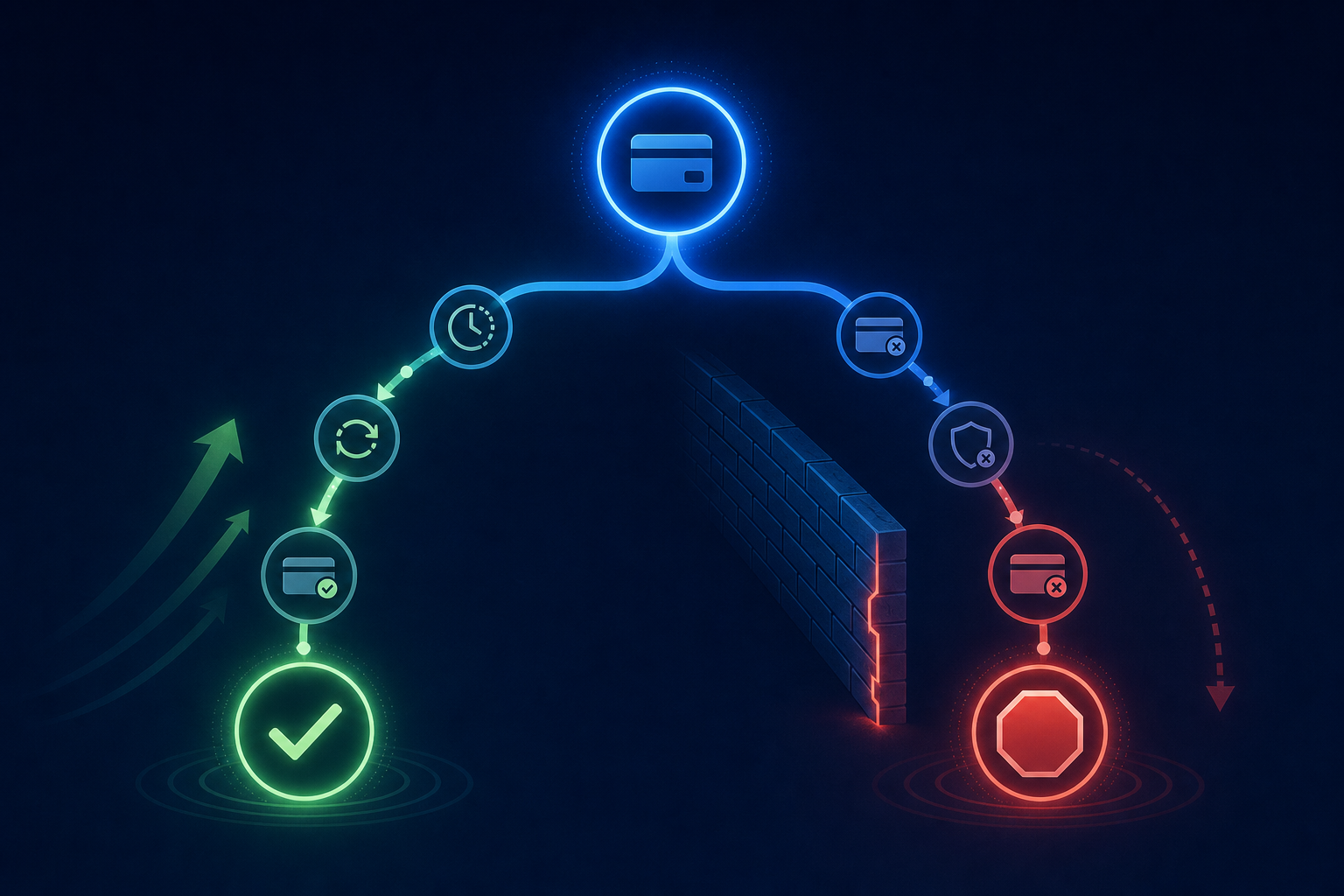
There are three categories worth understanding here.
Soft Declines
Soft declines (insufficient funds, issuer temporarily unavailable, processing errors) are retryable without any customer involvement. The recovery layer reads the failure, picks a timing window based on issuer behavior and pay cycle signals, and retries silently. Many of these resolve within a few days.
Hard Declines
Hard declines stop automated retries entirely. A stolen card, closed account, fraud block, or a MAC (Merchant Advice Code) 03 ("do not retry") signals that no retry will succeed until the customer acts. The recovery layer routes these straight to dunning, with messaging tied to the specific failure reason, not a generic prompt.
Ambiguous Codes
Codes like "do not honor," "generic decline," or "transaction not allowed" need classification before any action. The network response code, any attached MAC, and Stripe's last_payment_error all feed that decision. The same gateway code can mean different things depending on what the issuer attached to it, so acting on the surface label alone risks wasting retries on a de facto hard decline or holding off on a genuinely recoverable soft one.
A recovery layer that classifies accurately recovers soft declines faster and avoids burning retry attempts on failures that require customer action first, which has a direct effect on how much MRR (monthly recurring revenue) you get back.
How Slicker Integrates as a Recovery Layer on Stripe Billing
Slicker connects to Stripe Billing via API keys with no engineering work required. Once connected, Stripe Smart Retries is switched off so Slicker owns the retry decision end to end, eliminating conflicting logic.
Where Stripe Billing exposes gateway-level codes, Slicker reads the network response codes and Merchant Advice Codes (MACs) beneath those, giving the AI engine enough signal to distinguish a retryable soft decline from a hard stop, time retries down to the hour using issuer behavior and payday calendars, retry on an alternate card on file, and handle India RBI mandate declines that Stripe skips under those rules.
The first month runs as a free trial while an AABB test splits failed invoices between your existing recovery logic and Slicker, measures recovered dollars with statistical significance, and reports before any fee is charged. If Slicker does not outperform with statistical significance, you do not pay. Across deployments, Slicker has delivered roughly 4 to 10 point recovery uplift over standard retry logic and has recovered more than 1,000,000 failed payments. For Stripe Billing customers, go-live typically takes days.
Final Thoughts on Stripe Billing Recovery Integration and Setup
Failed payments on Stripe Billing are not a fixed cost. The structural limits in Smart Retries are real, but they are also fillable once you have a recovery layer reading deeper network signals and owning the retry decision cleanly. Your recovered MRR is already sitting in unpaid invoices; the configuration steps in this post are what get it back. Reach out to the Slicker team to run a controlled test and see the lift on your own data.
FAQs
How do Slicker retries work with Stripe Billing, and what configuration is needed to avoid conflicts?
Before Slicker goes live, you disable Stripe Smart Retries so both systems are not queuing separate attempts against the same failed invoice. Slicker then takes over retry decisions end to end, reading network response codes and Merchant Advice Codes that Stripe Billing alone does not expose, and timing each attempt to the hour based on issuer behavior and regional pay cycles. You also need to extend your grace period and cancellation settings in Stripe to keep the full retry window open, and verify your email sending domain so outreach goes from your domain, not Stripe's.
What does going live with Slicker on Stripe Billing actually require from my engineering team?
Nothing, if you are on Stripe Billing. It is a supported no-code integration and most teams go live in days. In-house billing takes longer. See the integration paths section above for a full breakdown of both timelines.
How do I prove that a payment recovery vendor is actually improving my recovery rate?
The only reliable method is a concurrent test with a control group, stratified by decline code and invoice amount, that measures recovered dollars (not recovery rate alone) with statistical significance. Gross recovery rate measured before and after is easy to manipulate: a shift in your decline mix can make the numbers look better even if the vendor contributed nothing. Slicker runs an AABB test on your own traffic before any fee is charged, reports p-values and confidence intervals, and lets you export the test data to your own warehouse for independent verification. If Slicker does not outperform your existing logic with statistical significance, you do not pay.
Best way to reduce involuntary churn for a SaaS subscription business in 2026?
The highest-impact change is replacing fixed retry schedules with timing logic that reads decline classification, issuer behavior, and regional pay cycles. A soft decline on a US consumer debit card has a very different recovery window than a corporate card failure in Western Europe, and treating them identically wastes retries and delays recovery. Layering targeted dunning on top, sent only when customer action is genuinely the only path forward and tied to the specific failure reason, recovers what retries cannot reach silently.
What subscription payment recovery platforms work with Stripe, Adyen, and Braintree?
Slicker connects to Stripe Billing, Chargebee, Recurly, Zuora, Recharge, and Piano on the billing side, and to Stripe, Adyen, Braintree, Checkout.com, PayPal, Worldpay, Cybersource, and Authorize.net on the payment provider side. The two-connection setup matters: the billing system surfaces open invoices, while the payment provider connection supplies the network response codes and Merchant Advice Codes that drive accurate decline classification and retry timing.
Related Articles
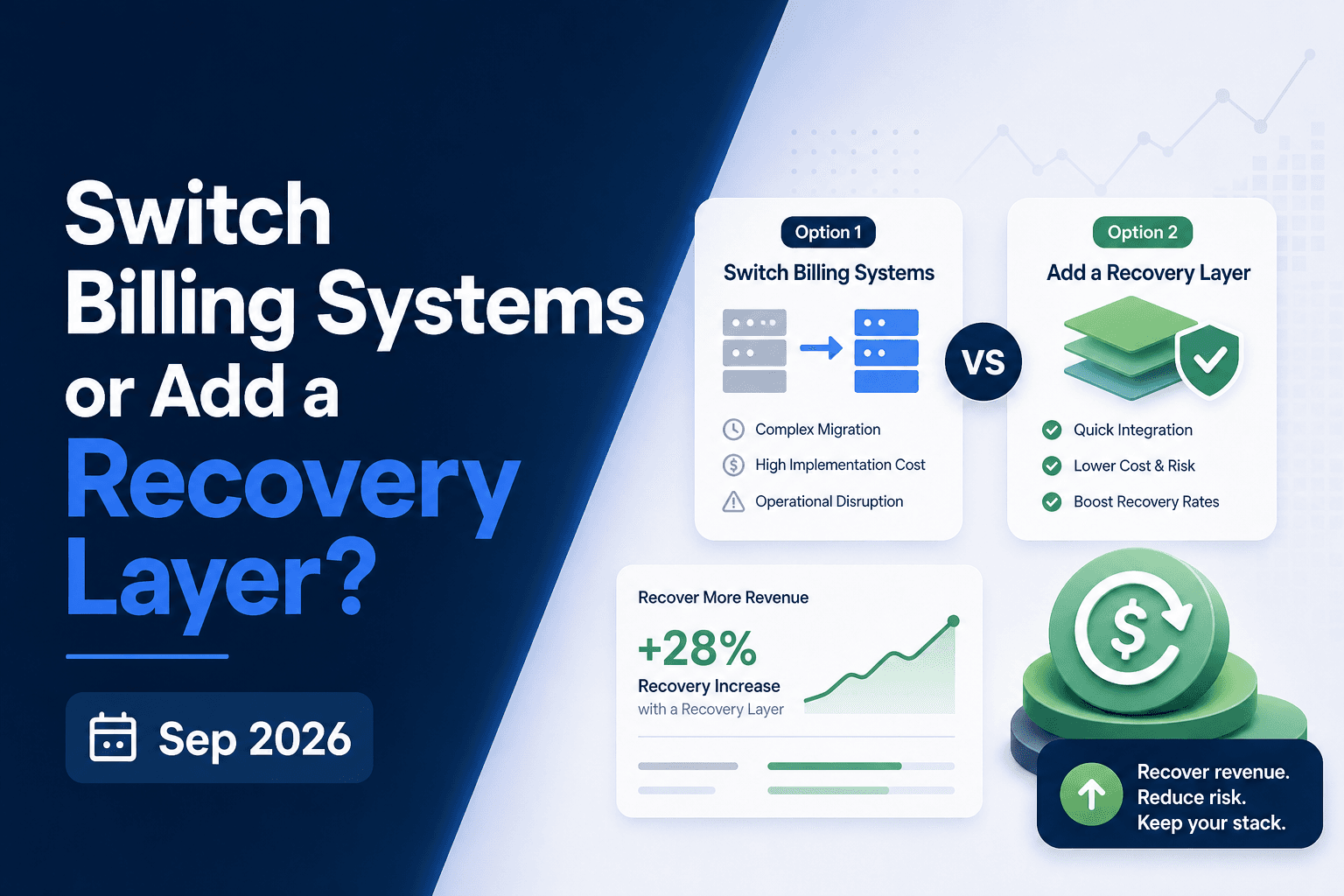
Billing Migration vs Recovery Layer: The Right Call October 2026
Switching billing systems feels like the right move when revenue collection starts breaking down. Sometimes it is. But soft declines, weak retry logic, and...
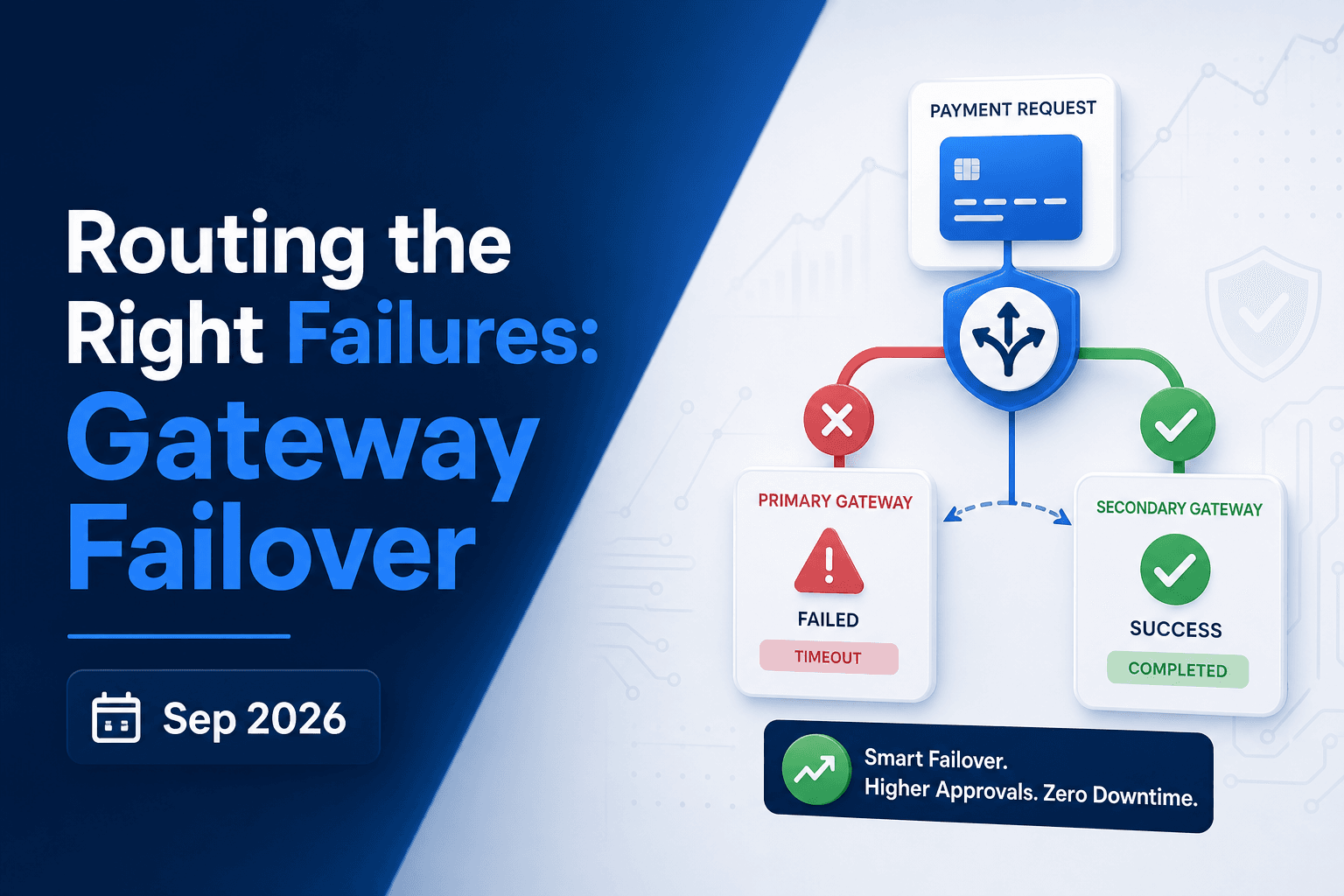
Gateway Failover: Routing the Right Failures October 2026
A gateway outage and an issuer decline look identical in your failed payment count, but they call for completely different responses. Rerouting an issuer...

Stripe Dunning Configuration Guide (September 2026)
A surprising share of the subscribers leaving your list every month never chose to cancel. Their payment failed, your retry window ran out, and Stripe...
Stop losing revenue to failed payments
Join leading subscription businesses using Slicker to recover failed payments automatically.
Get Started