What Differs Between Built-In and Add-On Retry Tools October 2026
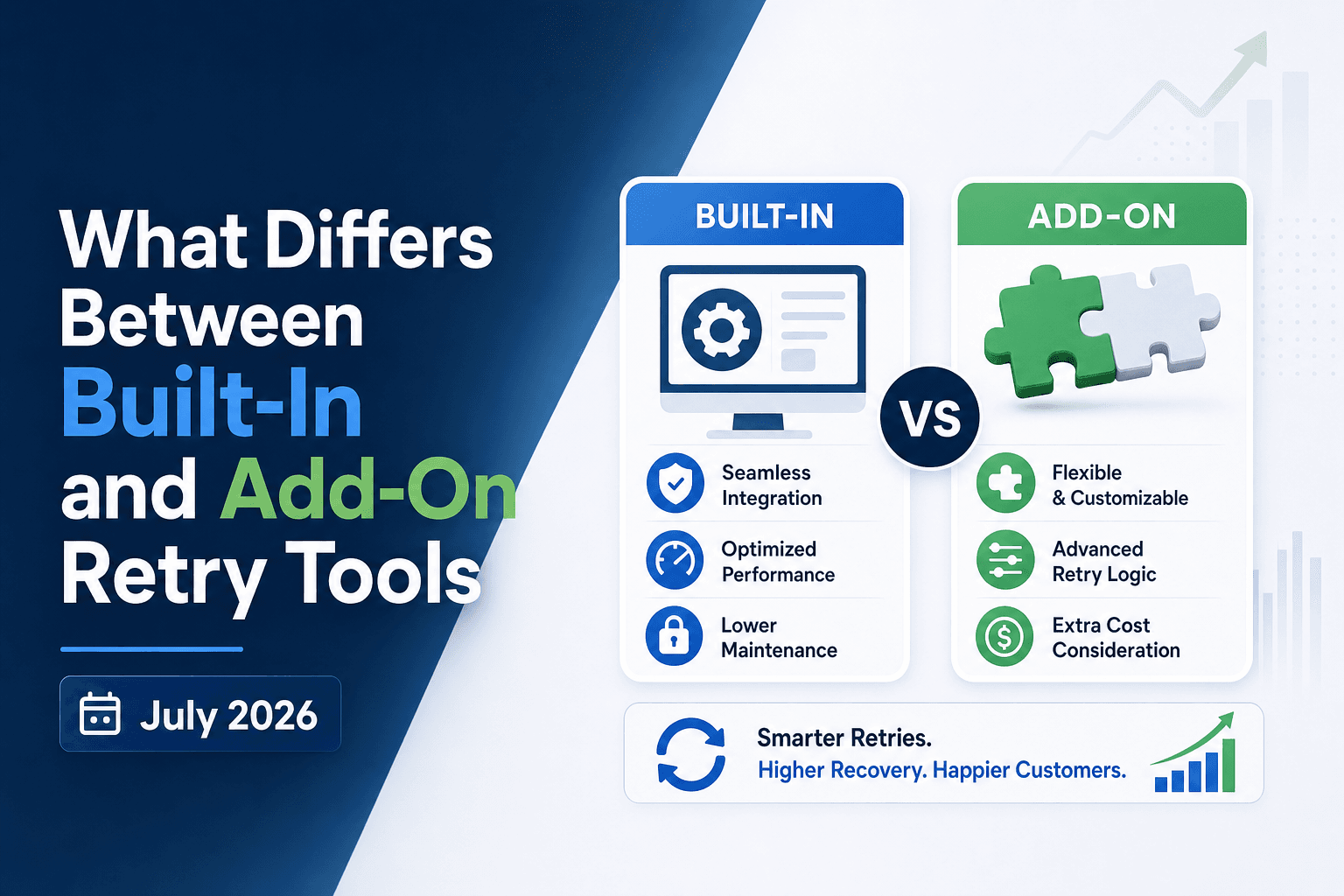
Failed payments are not a billing problem. They're a revenue problem, and the auto retry tools you're using right now are either closing that gap or quietly leaving money on the table. This built-in vs add-on retry breakdown gets into what the two approaches actually do differently, so you can tell which one fits where your business is right now.
TLDR:
- Industry data shows roughly 15% of recurring payments are declined; most are soft declines and recoverable, MRR (monthly recurring revenue) that can be recaptured with the right retry logic.
- Built-in retry tools run fixed schedules (days 3, 7, 14) regardless of decline type, leaving recoverable MRR on the table at scale.
- Soft declines route to smart retry queues; hard declines route to customer communication. Tools that skip this routing burn retry budget on payments that will never succeed.
- Visa caps retries at 15 per 30 days per card; exceeding network limits risks fines and Merchant ID (MID) termination, so compliance must be automatic.
- Slicker uses an ensemble of AI models to decide whether, when, and how often to retry, with clinical-grade AABB testing to confirm uplift on your own data before you pay.
Why Failed Payments Are a Revenue Problem, Not a Billing Problem
Subscription businesses often treat failed payments as a billing department headache, a routine exception to clear before month-end. The numbers tell a different story. Industry data shows roughly 15% of recurring payments are declined, and a large share of those declines are soft, meaning the card is valid and the customer intends to pay, but the transaction was rejected for a temporary reason like insufficient funds or a bank-side risk flag. Every one of those failures is recoverable revenue sitting idle.
The cost compounds quickly. When a payment fails and goes unrecovered, you lose that month's subscription fee and the full lifetime value of a customer who never chose to leave. Across hundreds of subscription businesses, the average company loses roughly 9% of MRR to failed payments, and most of it is recoverable. That is involuntary churn: revenue lost through payment failure, not cancellation intent.
How Auto-Retry Tools Work
When a recurring payment fails, the billing system has a choice: give up or try again. Auto-retry tools are what manage that second attempt, and the third, and everything after.
At the basic level, retry logic follows a schedule. A payment fails on the 1st, so the system tries again on the 5th, then the 10th. The timing is fixed, the logic is the same for every customer, and the tool moves on regardless of why the card was declined.
More sophisticated tools go further. They read the decline code returned by the issuer, distinguish soft declines (temporary issues like insufficient funds) from hard declines (permanent issues like a closed account), and adjust accordingly. Retrying a hard decline wastes a transaction attempt and can flag your merchant account.
The most advanced tools factor in variables like card type, issuer behavior, day of week, and customer payment history to decide when a retry is most likely to succeed. That gap in logic, between fixed schedules and data-informed timing, is where material revenue differences appear.
Soft Declines vs. Hard Declines: Why Failure Classification Matters
Retry tools treat every failed payment the same way at their peril. Soft declines (where the card issuer temporarily blocks a charge due to insufficient funds, suspected fraud flags, or velocity limits) are recoverable with the right timing and sequencing. Hard declines, such as a closed account or stolen card, are not. Retrying a hard decline wastes gateway attempts, risks triggering additional fraud flags, and can accelerate card network penalties.
Built-in retry tools from billing systems often apply a single retry schedule regardless of decline type. Add-on solutions read the decline code returned by the issuer and route each failure accordingly: soft declines into a smart retry queue, hard declines straight to customer communication. That routing decision alone determines whether your recovery engine is recovering revenue or burning through retry budget on payments that will never succeed.
What Built-In Retry Tools Do
Built-in retry tools are the payment recovery features that come packaged directly inside billing systems like Stripe, Recurly, Chargebee, and Zuora. They handle failed payment retries without requiring any third-party integration, making them the default starting point for most subscription businesses.
What they typically include
- A fixed retry schedule that attempts payment recovery at preset intervals (commonly days 3, 7, and 14 after a failure), applied uniformly across all customers regardless of decline type or account history.
- Basic dunning email sequences that notify customers to update their payment details, triggered by the retry schedule instead of the specific failure reason. Dunning fires regardless of whether silent retry has been exhausted, unlike dedicated tools that reserve customer contact for hard declines.
- Decline code reading at a surface level, where hard declines stop retries and soft declines continue them, but without deeper issuer-level or card-type logic.
The appeal is real: zero setup friction, no vendor contracts, and recovery that runs on autopilot from day one. For early-stage companies with low transaction volume, that simplicity has genuine value. But the uniform logic has a ceiling, and at higher volumes, the revenue left unrecovered by one-size-fits-all schedules becomes a measurable cost.
Where Add-On Retry Solutions Differ
Add-on retry solutions are purpose-built for one thing: recovering failed payments. That focus changes nearly everything about how they perform compared to what's bundled inside a billing tool.
Retry Logic That's Actually Intelligent
Built-in retry schedules tend to follow fixed intervals regardless of why a payment failed. Add-on tools read decline codes, card type, issuer behavior, and account history before deciding whether to retry at all. Soft declines (insufficient funds, temporary holds) get treated differently from hard declines (stolen cards, closed accounts), which stops wasted attempts and protects your merchant standing.
Testing Before Committing
Most built-in tools give you no way to verify their retry logic outperforms your status quo. Dedicated add-ons with AABB testing in payment recovery split your traffic, measure dollars recovered, and report statistical significance before you're locked in. If the add-on doesn't beat your control, you have the data to walk away.
The Revenue Impact
Signal-driven retries measurably outperform fixed schedules; the gap widens as transaction volume grows. For high-volume subscription businesses, even a modest lift in recovery rate compounds across monthly cohorts into material recovered MRR.
Retry Timing Intelligence: Where the Performance Gap Is Widest
Retry timing is where built-in tools lose the most ground. Most billing-native retry schedulers run on fixed vs adaptive retry schedules fixed intervals (retry on day 3, day 7, day 14), regardless of what the decline code actually signals or when that specific cardholder's account is likely to have funds.
AI-powered retry solutions do something materially different. They read decline codes, card type, issuer behavior, geographic pay cycles, and historical recovery patterns to pick the moment with the highest probability of success. A soft decline on a prepaid card tied to a US biweekly pay cycle gets routed differently than an insufficient-funds decline on a UK debit card.
That specificity compounds. Better timing means fewer retry attempts before recovery, which reduces the risk of hard declines that can permanently close a retry window.
Card Network Rules and Retry Compliance
Both major card networks set hard limits on how many times a declined transaction can be retried within a given window. Visa and Mastercard payment retry rules cap excessive attempts at 15 per 30 days for a specific card and merchant, with Mastercard charging $0.10 per retry when a merchant retries after receiving MAC 03 (Do Not Try Again), a hard-stop code that signals the payment will not succeed without cardholder action.
Non-compliance carries real cost. Merchants who ignore these thresholds face fines that Mastercard has set at $0.10 per excess attempt (per Mastercard Excessive Attempts program rules), plus potential MID (Merchant ID) termination, which would shut down payment processing entirely. Card networks publish explicit guidance on how retry violations are tracked and penalized, and most merchants only learn the rules after the first fine.
Any auto-retry tool you assess should handle this compliance layer automatically, not leave it to your team to track manually.
How to Assess Retry Tool Performance
Recovery rates look different depending on who's measuring them and how. Before comparing auto retry tools, you need a consistent framework for what "better" actually means in dollar terms.
The metrics that matter
- Recovery rate: the percentage of failed payments that eventually succeed, measured over a defined window (30, 60, or 90 days).
- Revenue recovered per cohort: total dollars recaptured from a given month's failed payment volume.
- Time-to-recovery: how quickly a payment succeeds after the first decline, which affects DSO (days sales outstanding).
Testing methodology separates real gains from noise
Any vendor can report a recovery rate. The question is whether that rate is better than what you'd get without them. AABB testing, where live traffic splits between the tool and a control group, is the only way to measure true uplift on your own data with statistical significance. Understanding context before retrying generic declines is equally critical to avoid wasting attempts. Without it, you're comparing your current numbers to a vendor's historical averages from different customer bases, which tells you very little.
Set a minimum threshold for statistical significance before committing budget. A tool that recovers more payments but can't prove it outperformed a control group is asking you to take their word for it.
Built-In vs. Add-On Retry Tools: Side-by-Side Comparison
Built-In Retry Tools | Add-On Retry Solutions | |
|---|---|---|
Retry schedule | Fixed intervals (e.g., days 3, 7, 14) applied uniformly to all customers | Adaptive timing driven by decline code, card type, issuer behavior, and pay cycles |
Decline handling | Basic soft/hard split; same schedule regardless of failure reason | Reads Merchant Advice Codes; routes soft declines to smart retry queues, hard declines to customer communication |
Performance proof | No split-traffic testing; no validated comparison against a control group | AABB testing splits live traffic, measures dollars recovered, and confirms statistical significance on your own data |
Card network compliance | Manual or limited automatic tracking of Visa/Mastercard retry caps (15 per 30 days) | Automatic compliance enforcement; stops retries before network thresholds are breached |
Setup required | Zero setup: built into your billing system from day one | Typically minutes (e.g., Slicker connects in ~5 minutes with no code changes) |
Best fit | Early-stage, low-volume businesses where recovery precision is not yet a measurable revenue priority | High-volume subscription businesses with diverse geographies where failed payments represent quantifiable MRR leakage |
Which Approach Fits Which Business
Built-in retry tools suit businesses that are early-stage, low-volume, or operating with tight dev resources. If your payment failure rate is low and recovery precision isn't a measurable revenue priority yet, the native retry logic inside your billing system may be sufficient.
Add-on solutions are the better fit when failed payments represent real, quantifiable revenue leakage. High-volume subscription businesses, those with diverse customer geographies, or companies whose MRR (monthly recurring revenue) warrants dedicated recovery infrastructure will see material returns from smart retries over fixed retry schedules and a specialized tool's AI-driven timing, issuer-level logic, and AABB-tested performance proof.
The clearest signal: if you can't answer "what is my actual recovery rate, and how do I know my retry logic is the reason?" your current setup is leaving money on the table.
How Slicker Fits Into the Add-On Retry Category
Slicker sits in the add-on retry category, but the way it operates sets it apart from most tools in that group.
Where many add-ons layer a fixed retry schedule on top of your existing billing setup, Slicker uses smart dunning AI models to decide whether to retry a failed payment, when to retry it, and at what cadence, based on signals like issuer behavior, card type, geography, and decline code. There is no guesswork and no one-size-fits-all rule set.
Setup requires no engineering work. Slicker connects to your existing billing infrastructure in roughly five minutes, with no code changes required on your end.
The other distinction worth noting for finance and payments leaders is how Slicker measures its own performance. Instead of asking you to take recovery claims on faith, Slicker runs clinical-grade AABB testing as part of its approach to smart payment retries for high-volume subscriptions: your traffic is split, results are measured in dollars recovered, and statistical significance is confirmed before you commit to paying. If Slicker does not beat your control group, you do not pay.
That proof-before-payment structure is the clearest separator between Slicker and both built-in tools and most competing add-ons, which rarely offer any validated comparison against your own baseline data.
Final Thoughts on Payment Retry Tools and Recovery Performance
Recovering failed payments well means knowing why a payment failed, beyond the fact that it did. Fixed schedules treat every decline the same, and that uniformity is where revenue quietly disappears. Connect with the Slicker team to find out what your current retry logic is actually leaving on the table.
FAQ
Should I use Stripe Smart Retries or an add-on like Slicker for recovering failed subscription payments?
Stripe Smart Retries works well at low volume with minimal setup, but it applies fixed retry schedules uniformly across all customers regardless of decline type, card issuer, or geography. Slicker runs alongside Stripe's native retry logic instead of replacing it, using an ensemble of AI models to pick the highest-probability recovery window per individual transaction, and proves the incremental lift via clinical-grade AABB testing on your own data before you pay.
Can I measure whether my auto-retry tool is actually outperforming my billing system's built-in retry logic?
Yes, through AABB testing: your failed payment traffic splits between a control group (your existing retry logic) and a treatment group (the add-on tool), with recovery measured in dollars and statistical significance confirmed via p-values. Without that split-traffic comparison run on your own data, any recovery rate a vendor quotes you reflects their historical averages across different customer bases, which tells you nothing about incremental performance on your specific transaction mix.
Built-in vs add-on retry tools: what actually differs in how they handle soft declines?
Built-in retry tools from billing platforms typically apply the same schedule to every failed payment, whether the decline was a temporary insufficient-funds block or a permanent stolen-card flag. Add-on solutions read the decline code, card type, issuer behavior, and Merchant Advice Codes before deciding whether to retry at all, routing soft declines into an intelligent retry queue and stopping hard declines immediately to protect your merchant account standing.
How does Slicker's retry timing logic differ from a fixed day-3, day-7, day-14 schedule?
Slicker's AI models analyze over 40 variables per transaction, including geographic payday cadences, card type, issuer processing patterns, and time of day, to identify the hour-level window with the highest probability of authorization. A US consumer debit card with an insufficient-funds decline, for example, is most likely to authorize at 12:01am when payroll deposits clear. That level of precision is something a fixed-interval calendar schedule cannot replicate, and it produces measurably better recovery on the same transaction volume.
What card network compliance risks should I check for in any payment retry comparison?
Visa caps retry attempts at 15 per 30 days per card, while Mastercard charges $0.10 per retry when merchants retry after receiving MAC 03 (Do Not Try Again), a hard-stop code, not a delay instruction (per Mastercard Excessive Attempts program rules). Any auto-retry tool you assess should read decline codes and Merchant Advice Codes automatically and stop retries before those thresholds are breached. Leaving compliance tracking to your team is a billing liability that compounds quickly at scale.
Related Articles
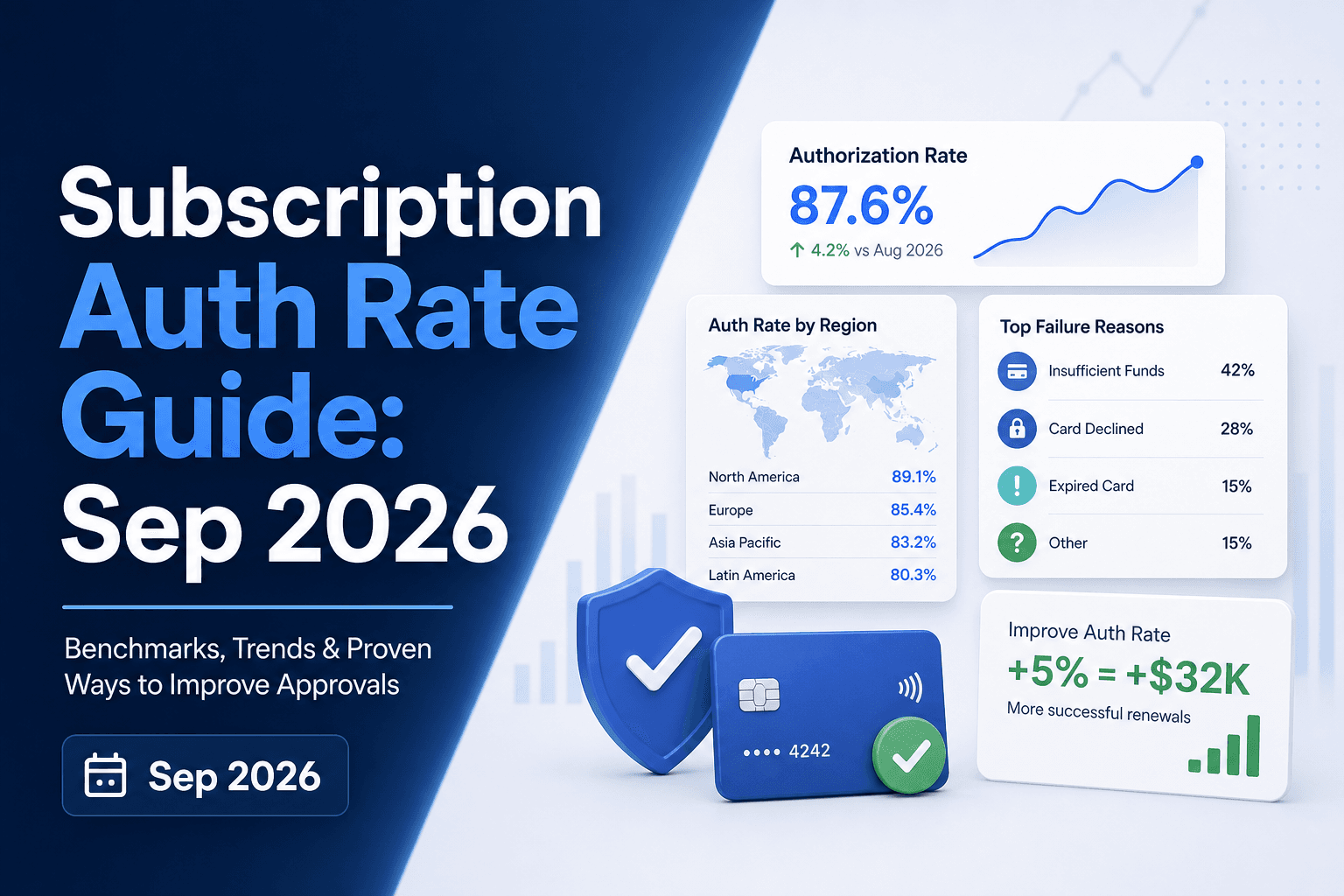
Authorization Rate in Subscription Billing: October 2026
There's a number sitting in your payments data that most finance and retention teams never report on separately: the share of renewal charges your issuing...
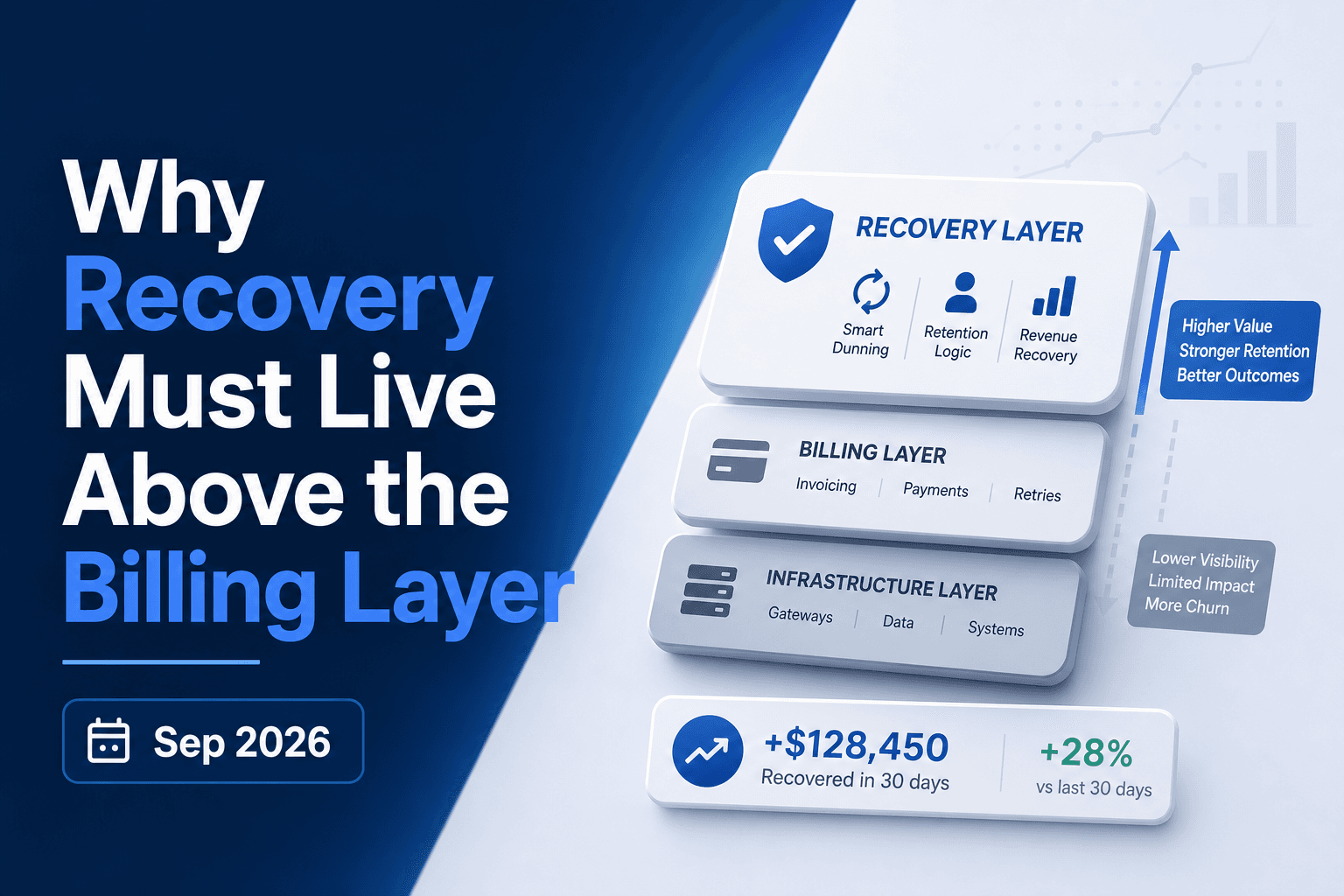
Why Payment Recovery Must Live Above Billers October 2026
A payment fails. Your biller retries it three days later, then again at seven, then at fourteen. What the biller never checks is whether the issuer sent a...
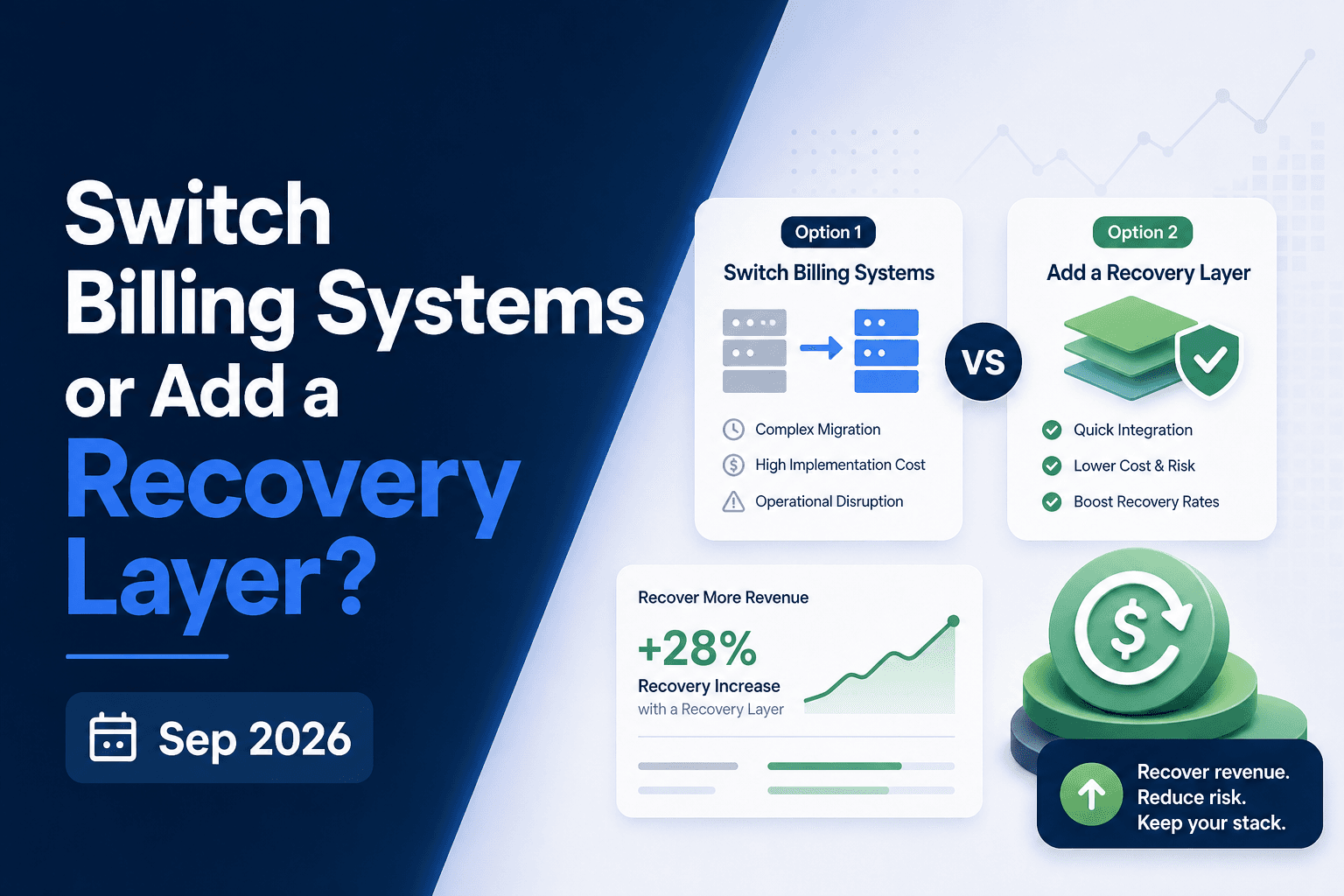
Billing Migration vs Recovery Layer: The Right Call October 2026
Switching billing systems feels like the right move when revenue collection starts breaking down. Sometimes it is. But soft declines, weak retry logic, and...
Stop losing revenue to failed payments
Join leading subscription businesses using Slicker to recover failed payments automatically.
Get Started